
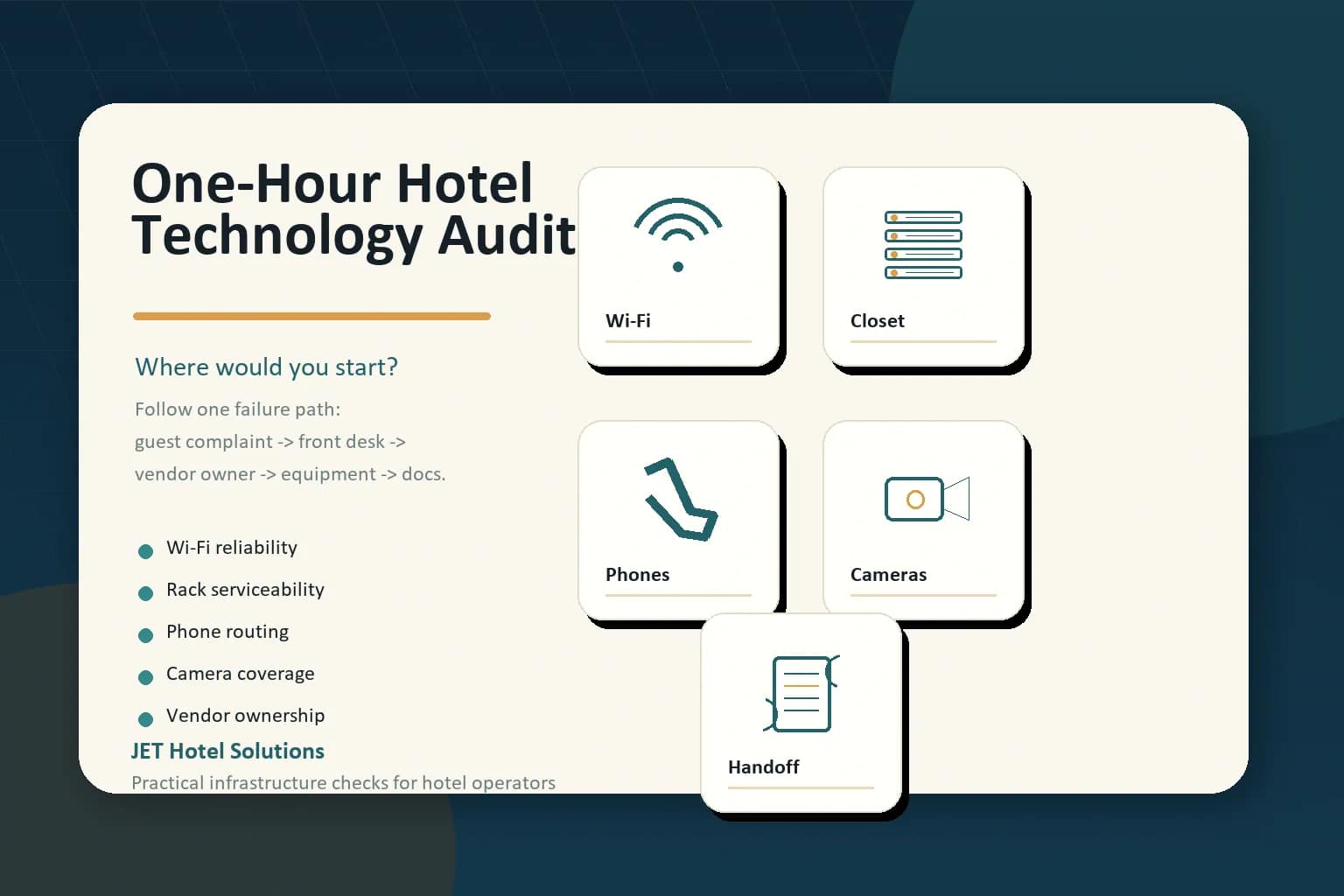
A hotel technology audit does not need to start with a full replacement plan.
If you only have one hour, the better question is simpler: where would a failure hurt the property first, and how quickly could the team figure out who owns the fix?
That is a useful question for hotel owners, asset managers, GMs, and management-company operators because many property technology problems do not announce themselves as “technology” problems. They show up as Wi-Fi complaints, front desk phone issues, a camera that did not capture the right angle, a vendor handoff nobody can find, or a network closet that makes every support ticket take twice as long.
Here is a practical way to use one hour well.
Start With the System Guests Complain About First
For most hotels, the fastest place to learn something is guest Wi-Fi.
Not because Wi-Fi is the only important system, but because it is the system guests notice immediately. They notice when a work call drops. They notice when streaming buffers. They notice when the login page is confusing. They notice when one end of the floor works and the other end feels dead. They do not usually know whether the problem is coverage, capacity, authentication, the ISP circuit, the managed router, a VLAN issue, or an access point that has been limping along for years.
That is exactly why Wi-Fi belongs in a one-hour audit. The complaint is visible, but the cause may be several layers below the guest experience.
Pull the last few weeks of Wi-Fi comments from reviews, front desk notes, guest surveys, and internal messages. Look for patterns:
- Are complaints clustered by room, floor, meeting room, lobby, pool, or fitness area?
- Do complaints happen during peak occupancy or all the time?
- Are guests saying “slow,” “can’t connect,” “keeps disconnecting,” or “login page won’t load”?
- Does staff know who to call first: the HSIA vendor, the ISP, the managed router provider, the brand help desk, or someone else?
- Does the property have a current AP map, switch map, circuit inventory, and support path?
The goal is not to diagnose the entire wireless network in one hour. The goal is to learn whether the property can separate the guest symptom from the infrastructure layer behind it.
Then Open the Network Closet
The second stop is the MDF, IDF, rack, closet, or whatever the property calls the room where the network actually lives.
A clean closet is not about aesthetics. It is about serviceability. If a technician cannot quickly match a room, access point, camera, phone, TV, or POS device to a switch port and patch panel, every outage becomes rediscovery. The property pays for the same knowledge over and over again.
In a one-hour audit, look for the basics:
- Are patch panels, switches, and uplinks labeled in a way a new technician could understand?
- Are room numbers, WAP locations, camera locations, and public-space drops mapped somewhere usable?
- Is there a current port map or outlet schedule?
- Are as-builts, test results, warranty documents, and vendor contacts stored where the property team can find them?
- Are UPS units, cable management, cooling, and power conditions good enough to support the systems depending on that closet?
This is where a hotel technology health check becomes very real. A property can have good vendors and good equipment, but if the closet is undocumented, every support path gets slower.
Test the Phone Path Before It Becomes Urgent
Phones are easy to ignore until something is routed incorrectly.
For hotels, the phone system can touch front desk operations, reservations, auto attendants, guest rooms, staff communication, emergency workflows, elevator/fire/life-safety lines, and brand opening requirements. A small routing detail can become a bigger operational problem when a property is trying to go live, complete a brand inspection, or support guests at peak occupancy.
Use part of the hour to test a few simple paths:
- Can outside callers reach the front desk?
- Do reservations, auto attendant, speed-dial, and transfer paths behave as expected?
- Are guest-room phones, staff phones, and back-office phones labeled and tested?
- Are elevator, fire alarm, and other required lines documented with the right provider and support contact?
- If SIP trunks, POTS replacement, cellular failover, or managed voice are involved, does the property know who owns each layer?
The audit question is not “do we have phones?” It is “if a call does not route correctly, who can prove where the issue is?”
Walk the Camera and Security Gaps
Cameras and security systems often get reviewed after an incident, which is exactly the wrong time to learn the property has a blind spot, retention issue, offline camera, unclear NVR access, or unsupported network dependency.
A quick audit should not try to redesign the whole CCTV system. It should answer practical questions:
- Which public areas, entrances, back-of-house paths, parking areas, and exterior zones matter most?
- Are any cameras offline, pointed incorrectly, or producing poor image quality?
- Does the team know retention settings and how to export footage?
- Is the camera system dependent on a network switch, VLAN, ISP, or power source that is not documented?
- Who supports the cameras, who supports the network behind them, and who handles escalation after hours?
For owners, this is not only a security question. It is a support question. A camera that exists on a drawing but cannot be serviced quickly is not the same as a camera system the property can actually rely on.
Map the Vendor Ownership Path
The last part of the hour should be spent on vendor ownership.
This is where many hotel technology problems hide. The guest sees one problem. The front desk hears one complaint. But behind that complaint may be five possible owners: ISP, HSIA vendor, low-voltage contractor, PBX provider, TV provider, PMS/POS vendor, brand system, managed router provider, security vendor, or local maintenance.
Write down one common failure path, such as “guest cannot connect to Wi-Fi,” “front desk transfer does not work,” “camera is offline,” or “public TV has no signal.” Then trace the path:
- Who hears about the issue first?
- What information does that person collect?
- Who is called first?
- Which account number, circuit ID, login, or support contract is needed?
- How does the team know whether the issue is vendor-owned, property-owned, brand-owned, or ISP-owned?
- Where is the documentation stored?
If the property cannot answer those questions, the biggest issue may not be the equipment. It may be the handoff.
A Simple One-Hour Scoring Method
Keep the audit simple. For each area, score it red, yellow, or green.
- Green: the system works, documentation is current, and the support owner is clear.
- Yellow: the system works, but documentation, labels, testing, or support ownership is incomplete.
- Red: the system is producing complaints, the team cannot isolate the issue, or the support path is unclear.
If everything feels yellow, start with the area that creates the most guest-facing pain or the highest operational risk. For many properties, that will be Wi-Fi. For a hotel near opening or brand inspection, it may be phone routing, cabling closeout, or vendor documentation. For a property with security concerns, it may be cameras and retention.
The important move is to pick one failure path and make it serviceable.
What JET Looks For in a Hotel Technology Review
JET Hotel Solutions helps hotel teams review the systems that sit behind the guest experience: network access and DIA, guest Wi-Fi, low-voltage cabling, PBX and phone service, Free-to-Guest TV and IPTV, CCTV/security, staff safety, EV charging, vendor coordination, monitoring, and support paths.
The point is not to sell a replacement every time a property has a problem. Sometimes the smarter move is to clarify ownership, clean up documentation, validate cabling, test routing, compare vendor bids, or make the existing stack easier to support.
If you have one hour this month, start there. Find the system that creates the clearest pain. Trace the support path. Then decide whether the next step is documentation, testing, vendor coordination, or a real upgrade.
Need a second set of eyes on the property stack? JET can help review the technology foundation before a renovation, opening, brand inspection, vendor cutover, or budget cycle.
Public sources used: Spectrum Enterprise hospitality technology trends for 2026; ANTlabs on guest Wi-Fi quality and reviews; Reddit hotel Wi-Fi discussion; Reddit network closet labeling discussion.