
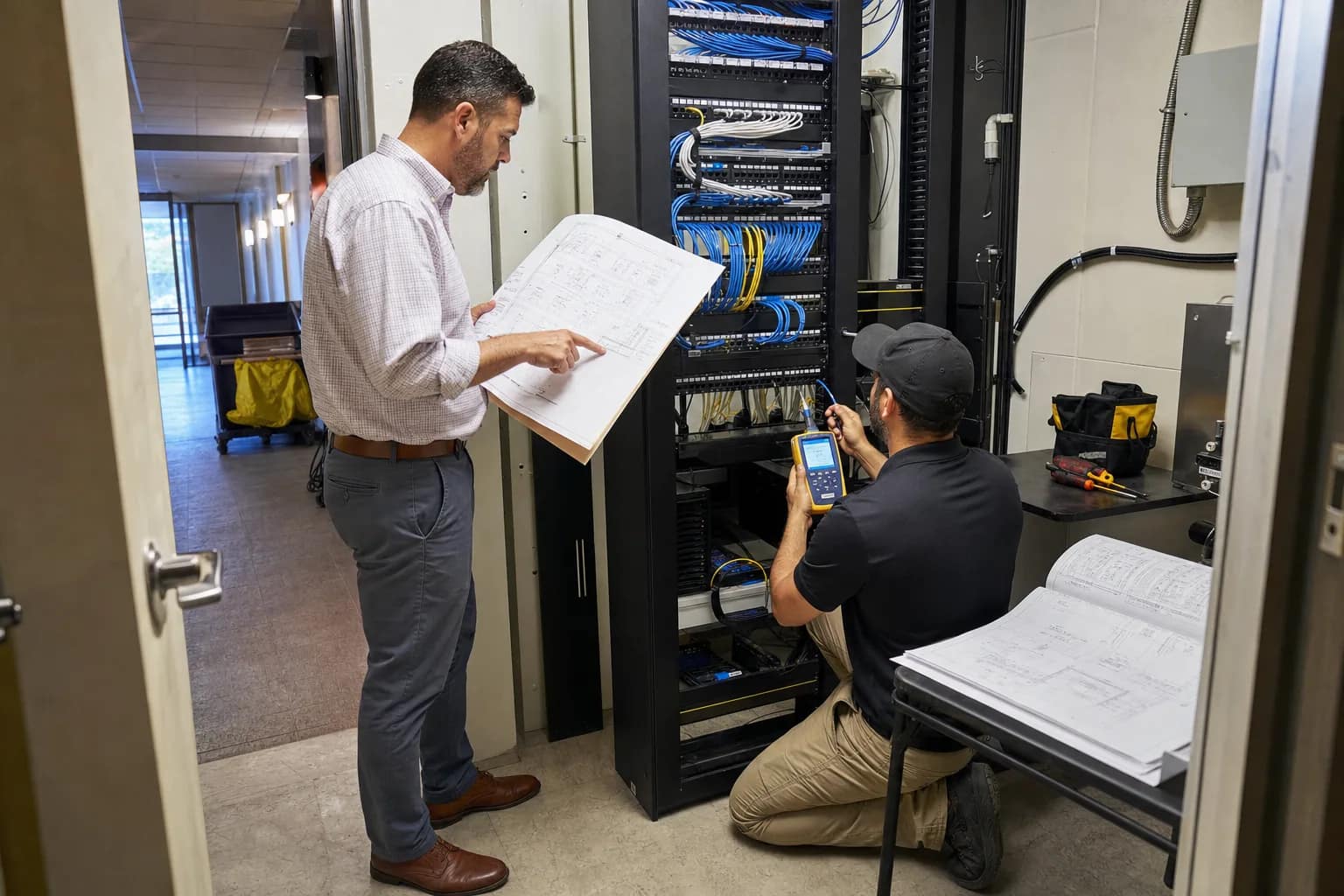
A hotel low-voltage project is not finished when the last wall plate is installed. It is finished when the property can identify every important link, match it to the current plan, verify that it passed, and find the record again during a support call.
Construction changes make that handoff harder. A device moves, an outlet is added, a room number changes, or a cable takes a different route. If the closeout package still reflects the original drawing, the property inherits a network that may work today but is difficult to operate tomorrow.
This hotel low-voltage closeout checklist focuses on the records owners and operators should keep after construction changes.
1. Keep the approved plan and the final marked plan
Retain both the approved design set and the final field-marked or as-built plan. The first explains what the project intended to deliver. The second should show what was actually installed.
When a construction change affects an outlet, access point, camera, television connection, phone, rack, pathway, or equipment-room location, the final drawing should reflect it. A clean closeout set should not force the engineering team to reconstruct the change from email history.
2. Preserve the change trail
Keep a concise record of approved changes with the reason, affected area, date, owner, and final disposition. The useful question is not only “what changed?” It is also “which downstream systems and records were updated because of it?”
For example, moving a guest-room data outlet may require updates to the floor plan, cable schedule, patch-panel record, device assignment, test result, and room-release checklist. Closing only the construction item leaves the operating record incomplete.
3. Use one labeling convention from outlet to rack
Labels should make the physical path understandable. The outlet or device location, cable identifier, patch-panel position, and room or area name should agree with the closeout documentation.
Consistency matters more than cleverness. A hotel team should be able to start at a guest-room plate, find the matching cable in the schedule, and identify the correct termination in the MDF or IDF without guessing.
4. Require a usable cable schedule and port map
A closeout package should include a cable or port-count sheet that records the cable number, origin and destination, location, intended use, and patch-panel port. Where equipment assignments are known, include them too.
This becomes the operating index for future moves, adds, changes, and troubleshooting. It is especially valuable after staff or vendors change, because the next technician should not need the original installer’s memory to understand the system.
5. Retain certification results for each installed link
A statement that cabling was tested is not the same as a retrievable test record. Keep the per-link certification results and confirm that their cable identifiers match the labels and schedule.
The report should make exceptions visible. Failed links, retests, repairs, substitutions, and approved deviations belong in the closeout record instead of being buried in a punch-list conversation.
6. Document the MDF and every IDF
For each equipment room, retain the rack layout, patch-panel naming, uplink paths, power and grounding notes where applicable, and clear photographs of the final condition. Record which areas, floors, or room ranges each IDF serves.
These records help a property isolate problems faster. When a group of rooms loses service, the team can begin with the right closet, panel, or uplink instead of tracing the building from scratch.
7. Close the punch list with named ownership
Every open item should have an owner, due date, acceptance condition, and final status. Separate physical cabling issues from device configuration, carrier, network, television, phone, camera, or vendor-coordination issues.
This distinction prevents a low-voltage contractor from being blamed for a configuration problem—or a software or carrier issue from hiding a bad physical link. The property needs one coordinated list, but each item still needs the correct owner.
8. Put the final package under owner control
Store the final drawings, schedules, test reports, photos, approvals, warranties, contacts, and exception log in a location the owner or operator controls. Use a clear folder structure and a final issue date. Avoid leaving the only complete record inside one vendor’s project system or an individual inbox.
The closeout package should also name the support path: who receives a problem, what evidence to collect, which vendor owns each service lane, and how an unresolved issue is escalated.
A practical acceptance test
Before accepting the package, choose several installed links and trace them end to end. Can the team find the outlet on the plan, match its label to the cable schedule, locate the correct patch-panel port, and retrieve the corresponding certification result?
If that test fails, the documentation is not yet operational—even if every required file appears to be present.
JET Hotel Solutions helps hotel owners and operators coordinate low-voltage infrastructure, network access, guest Wi-Fi, PBX and phones, Free-to-Guest TV, CCTV, vendor handoffs, testing, and support ownership. When construction changes affect the technology plan, JET can help turn scattered project records into a closeout package the property can actually use.