
A renovated hotel room can look finished and still be unready for a guest.
The television powers on, but the channel lineup is wrong. The phone has dial tone, but the approved call path has not been tested. A guest device connects to Wi-Fi near the door but not where the guest will work. The wall plate is installed, yet the port label does not match the closeout record.
These are not separate punch-list details. Together, they determine whether the room can return to inventory without handing a technology problem to the front desk.
A short, repeatable hotel room technology checklist gives the property one release standard for every renovated room.
Start with a representative room
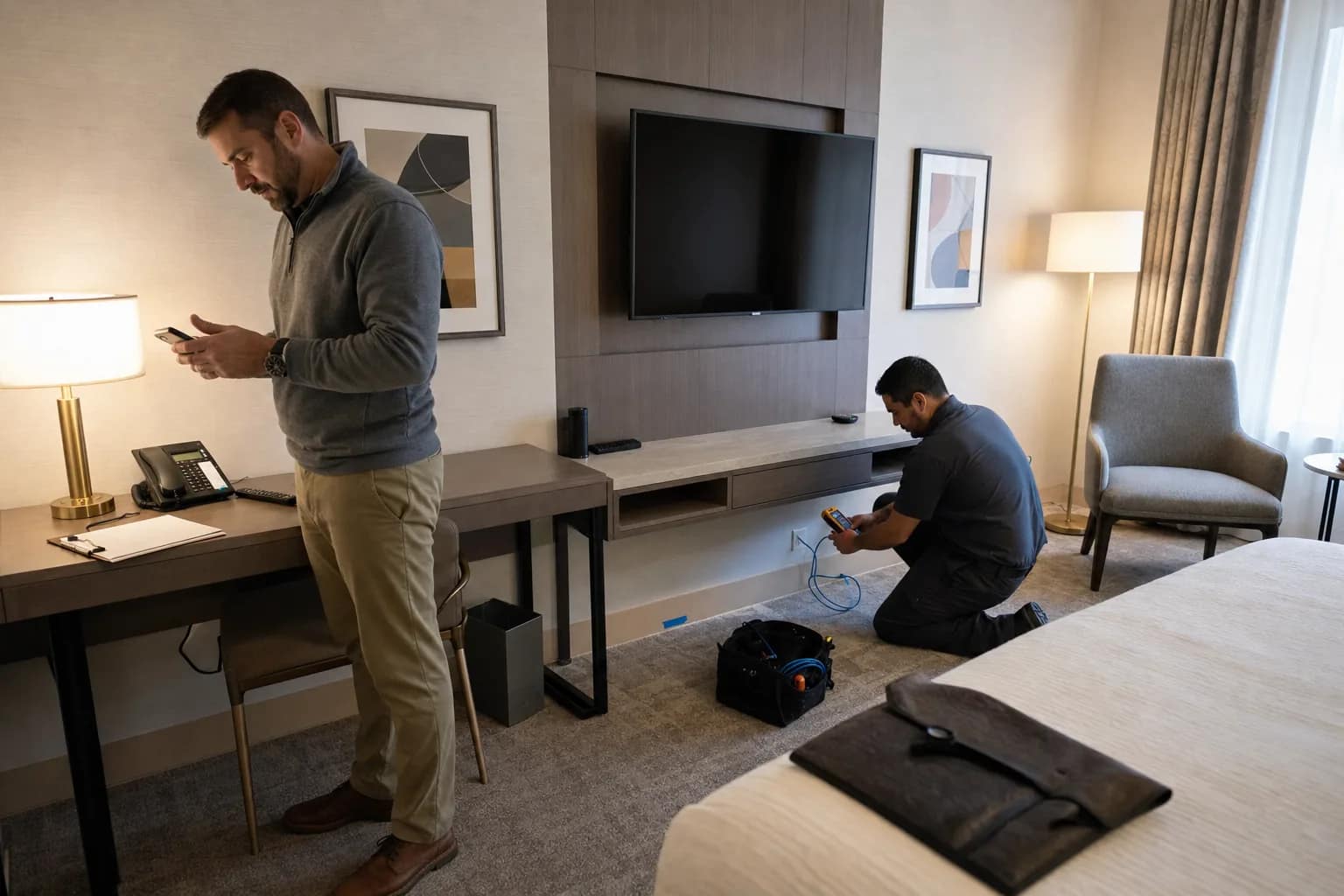
Before testing an entire floor, select one representative room and prove the process. Include the property lead, the appropriate installation partners, and the vendors responsible for guest Wi-Fi, Free-to-Guest TV or IPTV, PBX and phones, and low-voltage cabling.
The purpose is to agree on the exact test, the evidence that counts as a pass, and who can accept the result. Once the representative room passes, use the same sequence and record for the rest of the room block.
1. Verify the room and port identity
Start by confirming that the room number, device locations, wall plates, cable labels, and port records agree. This sounds basic, but a mislabeled or undocumented link can turn a future support call into a search across the room, corridor, IDF, and patch panel.
For installed structured cabling, keep the relevant test result tied to the correct cable ID. Certification testing can document a pass or fail for each installed link, while the room-release checklist confirms that the labeled infrastructure connects to the intended guest-facing service.
2. Test guest Wi-Fi where the guest will use it
Use a normal guest device and follow the property’s real connection path. Confirm that the device can discover the expected network, authenticate or accept the guest flow, obtain service, and use the connection from the practical areas of the room.
Do not reduce the release test to “the access point is online.” The guest experience depends on the complete path: room coverage, access point, switch, upstream network, internet service, and the hotel’s configured guest-access process.
3. Run the television through the guest journey
Power on the hospitality television with the room remote. Check the expected startup behavior, channel or content availability, volume, controls, and any property-specific configuration that applies.
A headend, casting platform, or IPTV service showing healthy in a dashboard is useful, but it does not replace a test at the screen the guest will actually use. Record any room-specific exception rather than assuming a system-wide status proves every endpoint.
4. Test the room phone using the approved procedure
Confirm the room phone identity and complete the property’s approved call tests. That commonly includes the front desk or operator path and any other call behavior required by the hotel, brand, PBX design, or local procedure.
Emergency-call verification should follow the property’s approved testing method and involved parties; staff should not improvise a live emergency call. The release record should identify who completed the test and what result was accepted.
5. Inspect the physical finish
Technology turnover is also a physical inspection. Confirm that faceplates are secure, cords are dressed safely, devices are mounted correctly, remotes and handsets are present, labels are legible, and guest-facing equipment is free of visible damage.
This is the point where the construction punch list and the technology punch list meet. A working device is not ready if it is loose, inaccessible, incorrectly labeled, or likely to be disturbed during final cleaning and furniture placement.
6. Record failures, owners, and retests
Do not use a pass/fail box without a next step. For every exception, record the room, affected service, symptom, assigned owner, target correction date, and retest result.
A room should remain open on the technology punch list until the failed item is retested. Closing an issue because a vendor reports that work was completed is not the same as proving the guest-facing result.
Use one release record per room
The final record can be simple. It should include:
- Property, floor, and room number
- Test date and tester
- Room and port identity confirmed
- Guest Wi-Fi result
- Television or IPTV result
- Room-phone result
- Physical-finish result
- Exceptions, owner, and retest status
- Property acceptance
That record gives operations a defensible answer to a practical question: what was tested before this room returned to inventory?
The operator takeaway
Room turnover should not depend on five vendors saying their portion is done. Use one repeatable release test that follows the guest journey and leaves one accepted record per room.
JET Hotel Solutions helps hotel teams coordinate Network Access, guest Wi-Fi, low voltage, PBX and phones, Free-to-Guest TV, vendor handoffs, testing, and support ownership. If renovated rooms are approaching turnover, JET can help organize the technology dependencies and acceptance process before the keys return to the front desk.