
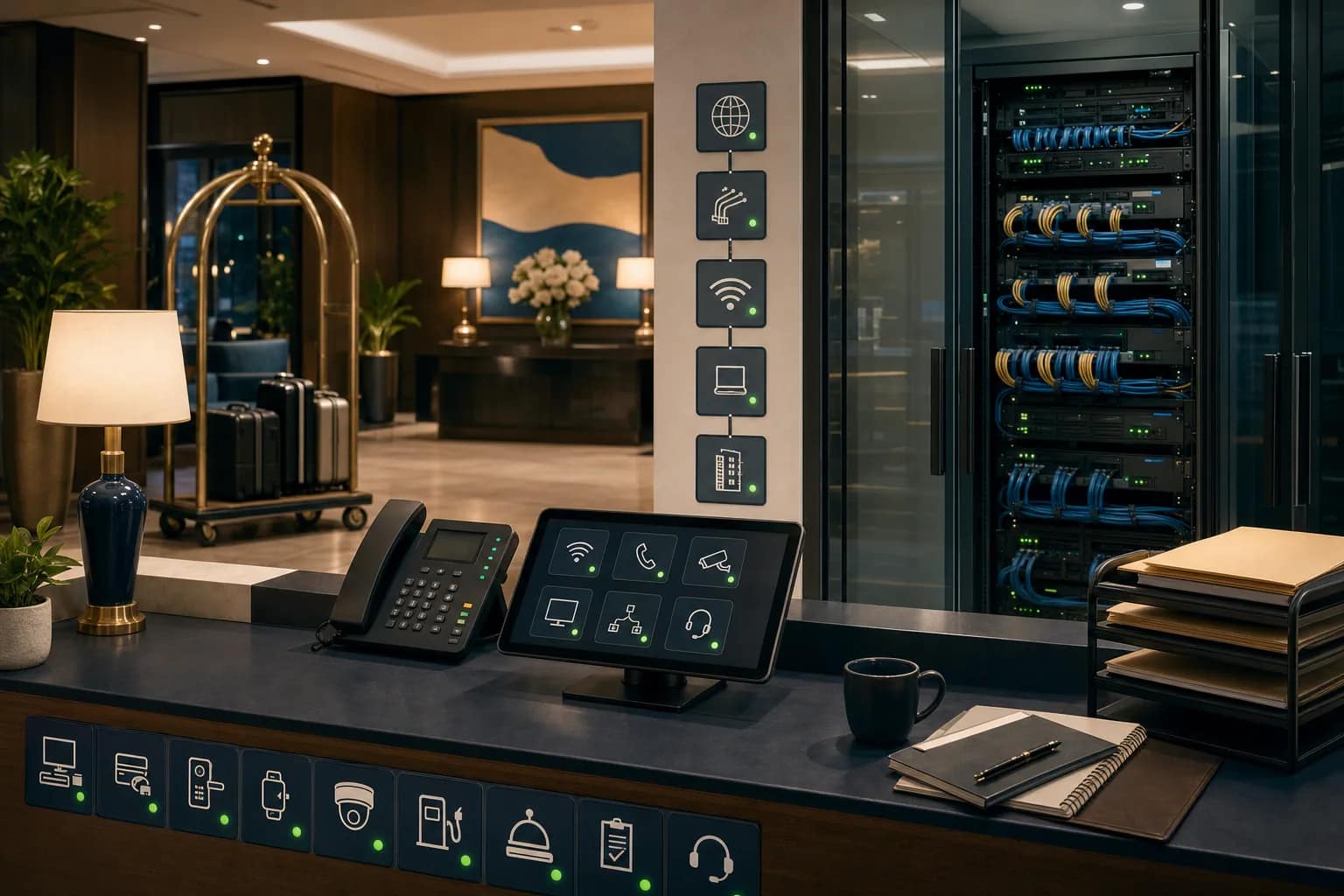
The best hotel technology is usually boring.
Guests do not notice the managed router, the circuit handoff, the PBX escalation path, the back-office device monitoring, or the vendor ticket notes when everything is working. They notice the room key, the call, the Wi-Fi session, the TV, the camera coverage, the staff radio, the front-desk workflow, and the checkout line.
That is the point. Good hotel technology should make a busy weekend feel ordinary.
For operators, the real question is not whether the property owns enough technology. It is whether the people on duty can keep the property moving when something small breaks after hours, during a holiday weekend, or while the usual project team is not watching email.
What Boring Technology Means In A Hotel
Boring does not mean simple. It means the support path is clear enough that the hotel does not have to solve every issue from scratch.
In practice, boring hotel technology has a few visible traits:
- The front desk knows who to call first.
- The manager on duty can tell whether the issue is guest Wi-Fi, ISP, router, PBX, TV, camera, or a vendor application.
- Support tickets include the property, system, room or area, symptom, time, and escalation owner.
- Critical circuits and back-of-house devices are visible before the guest complaint becomes the monitoring system.
- Vendors are not asking the hotel team for the same account numbers, circuit IDs, support contacts, or port information every time.
That is less exciting than a new platform demo, but it is closer to what keeps a property running.
Start With The Weekend Support Path
A useful weekend readiness check starts with a basic scenario:
A guest calls down because Wi-Fi is unstable. A staff member says a back-office device is offline. A public-space TV source fails. A phone route is not behaving as expected. A camera view is missing. A manager needs to know whether this is a quick reset, a vendor ticket, a circuit issue, or a dispatch problem.
The property should not need a dozen separate tribal-knowledge paths for those situations.
Before a busy weekend or holiday period, confirm:
- Who receives the first call for guest-facing technology issues
- Which vendors own Wi-Fi, network access, phones/PBX, CCTV, TVs/FTG, staff safety, and back-office devices
- Which issues can be triaged remotely
- Which issues require the brand helpdesk, ISP, low-voltage vendor, PBX provider, TV provider, or local technician
- Where the escalation matrix lives and whether the manager on duty can access it
If the answer is “someone knows,” the property is relying on memory, not operations.
Make Monitoring Useful, Not Decorative
Dashboards only help if they answer operational questions quickly.
For hotel operators, the most useful monitoring questions are usually plain:
- Is the primary circuit up?
- Is the backup circuit or failover path available?
- Is the managed router reachable?
- Are key back-of-house devices visible?
- Is this isolated to one area, one system, or the whole property?
- Has a ticket already been opened with the right vendor?
JET’s managed-support model is built around that kind of visibility: managed router presence, circuit and device monitoring, support triage, vendor escalation, and a central view of tickets and repairs. The value is not the dashboard itself. The value is reducing the time between “something feels off” and “the right owner is working the right issue.”
Document The Systems Guests Do Not Name
Guests rarely describe the actual system that failed. They say the internet is slow, the phone is not working, the TV is blank, the staff cannot process something, or the front desk keeps apologizing.
Behind that simple complaint can be a circuit, switch, access point, VLAN, PBX route, analog line, TV headend, app dependency, camera path, or vendor support process.
That is why the boring documentation matters:
- Support numbers and escalation contacts
- Circuit IDs and provider account details
- PBX, SIP, POTS, and emergency-line ownership
- Wi-Fi provider, controller, AP map, and equipment owner
- TV/FTG or IPTV support path
- CCTV recorder, camera, and retention assumptions
- MDF/IDF notes, port maps, labels, and as-built drawings
- Warranty and dispatch expectations
The goal is not paperwork for its own sake. The goal is to keep the weekend manager from becoming a detective.
Use A Short Readiness Check Before Busy Periods
A hotel does not need a full infrastructure audit before every weekend. It does need a short operational check that catches preventable support confusion.
Use this five-minute version:
- Pick the top guest-impact systems. Wi-Fi, phones, TVs, key back-office devices, cameras, and any systems tied to check-in or payments.
- Confirm first-call ownership. The manager on duty should know where each issue starts.
- Verify monitoring visibility. Confirm circuits, router, and priority back-of-house devices are visible where applicable.
- Check the escalation matrix. Make sure it is current, accessible, and not trapped in one person’s inbox.
- Capture the post-weekend pattern. If the same symptom repeats, turn it into a support or infrastructure fix instead of accepting it as normal.
The Operator Test
Here is the simplest test for whether a hotel technology stack is serviceable:
If the usual IT contact is unavailable, can the manager on duty still explain the issue, find the owner, open the right ticket, and know what happens next?
If not, the property does not just have a technology issue. It has an ownership issue.
That ownership gap is where JET often helps: aligning vendor selection, deployment, support, escalation documentation, network visibility, and ongoing issue triage so hotel teams are not stuck calling disconnected providers during the moments that matter most.
What To Do Next
Before the next busy weekend, renovation milestone, brand inspection, or vendor transition, walk through one support path end to end.
Do not start with the newest tool. Start with the boring question:
When something breaks, who sees it, who owns it, and how quickly can the hotel get to the right fix?
If that answer is unclear, JET can help review the property’s network access, Wi-Fi, PBX/phones, CCTV, FTG/IPTV, vendor coordination, monitoring, and escalation stack before the next issue becomes guest-facing.