
The Apple Watch’s Walkie-Talkie feature provides a fun and convenient way to instantly communicate by voice with other Apple Watch users. With just a touch and hold of a button, you can talk in real-time, just like with a traditional walkie-talkie. Setting up and using Walkie-Talkie is usually straightforward, but occasionally issues can arise that prevent it from working properly.
Common problems include trouble sending or receiving invitations, or connection errors when trying to use Walkie-Talkie to chat. Thankfully, there are several troubleshooting steps you can take to get Walkie-Talkie functioning normally again on your Apple Watch.
First, verify that the Walkie-Talkie feature is supported in your country by checking Apple’s watchOS feature availability page. If it’s not available, that would explain why you can’t access it.
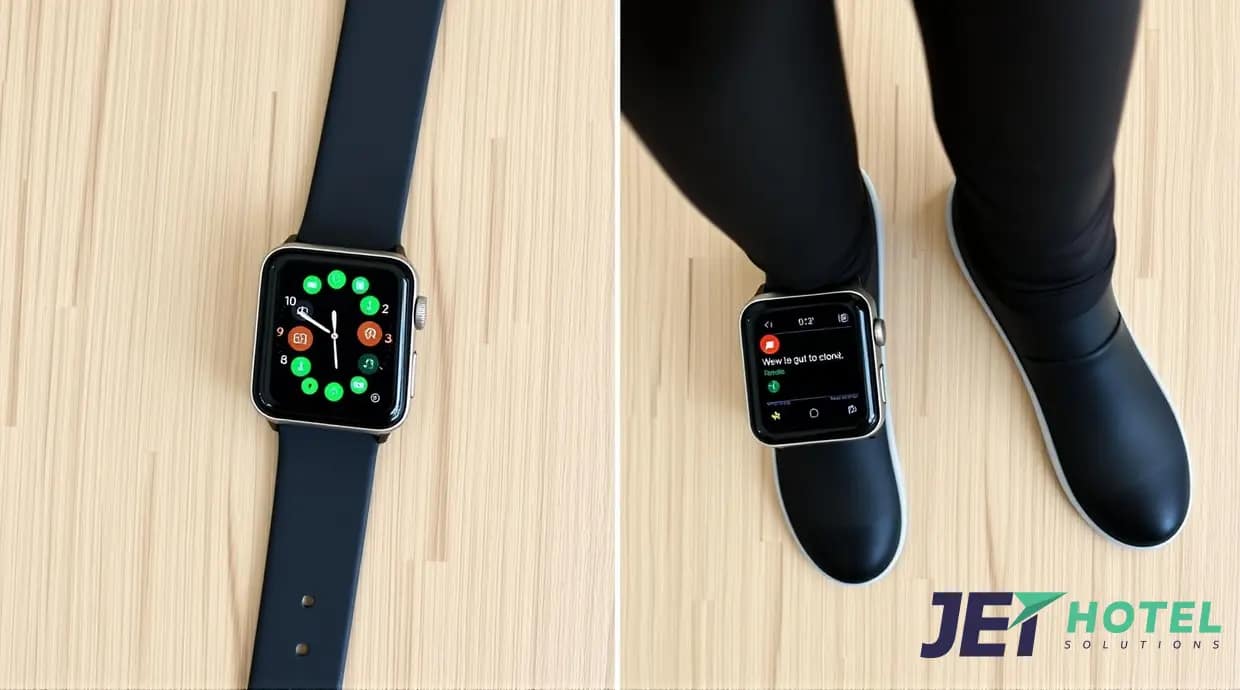 Next, open the Walkie-Talkie app on your watch and make sure the feature is toggled on at the top of the screen. Walkie-Talkie won’t work if it’s been switched off. Also check that Theater Mode is disabled on your watch, as having it enabled makes your Walkie-Talkie status unavailable to others. You can turn off Theater Mode by pressing the side button to open the Control Center.
Since Walkie-Talkie relies on a solid internet connection, confirm that both your paired iPhone and Apple Watch are connected to a reliable Wi-Fi network or cellular data. If the connection seems slow or unsteady, try connecting to a different network and see if Walkie-Talkie works better.
You can also try restarting your iPhone and Apple Watch by powering them down and then turning them back on. This can clear up temporary software glitches or connectivity issues.
Lastly, check for any available software updates for your devices by going to Settings > General > Software Update. If updates are available, install them, as they often contain bug fixes and improvements that could resolve problems with Walkie-Talkie.
While Apple’s Walkie-Talkie feature is useful for casual chats, did you know there are professional grade solutions available for hotels, resorts, and other businesses that need reliable voice communication and panic alert capabilities to keep employees safe?
At JET HOTEL SOLUTIONS (www.jethotelsolutions.com), we provide cutting-edge duress alarms and walkie-talkie solutions specifically designed for the hospitality industry. Our Relay product combines instant panic alerts with robust two-way talk functionality in a single device, something you won’t find in other safety solutions.
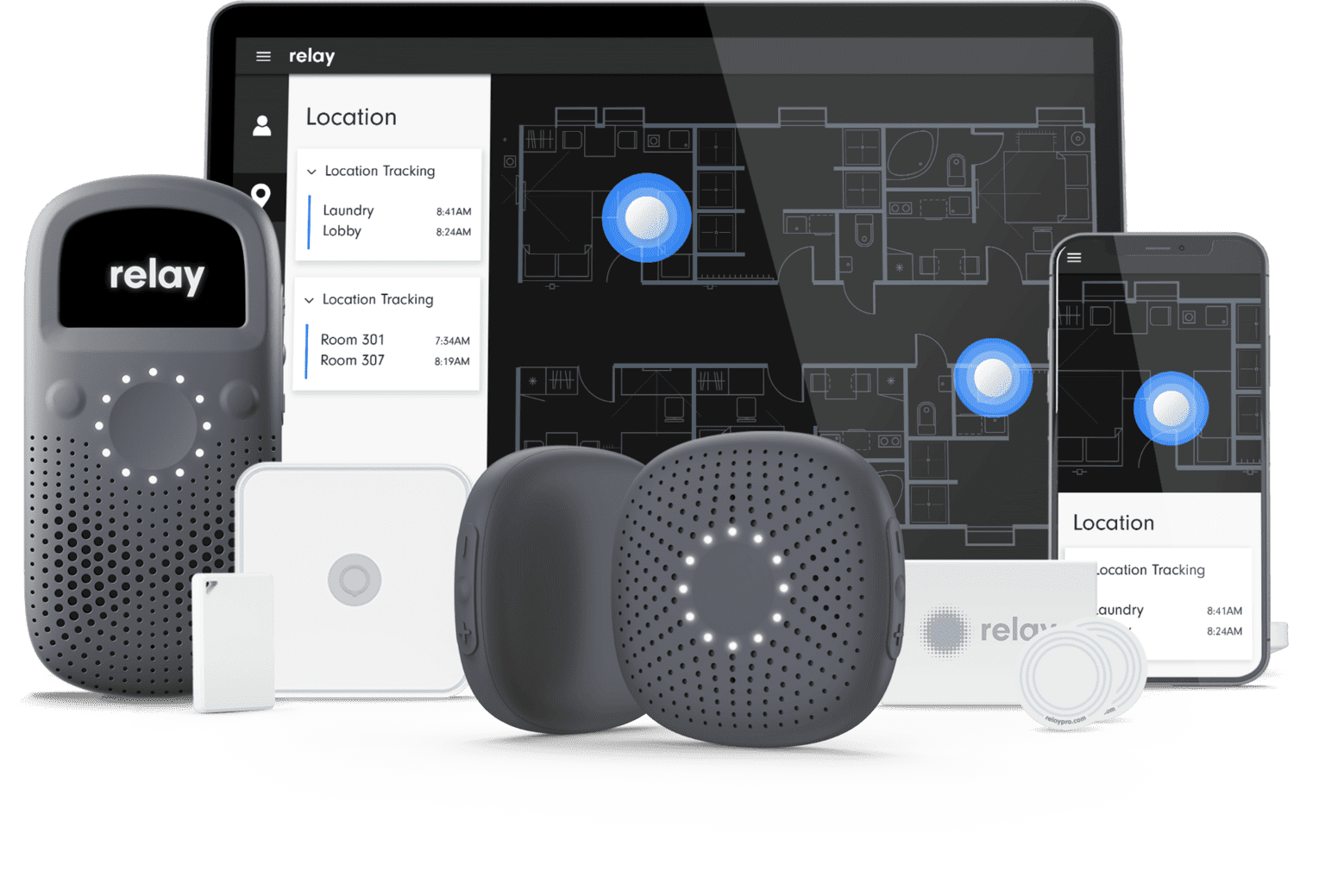 When an employee triggers an alert by rapidly pressing Relay’s center button, designated responders are immediately notified with the name and precise indoor location of the employee. This is thanks to Relay’s network of discreet, wireless beacons that provide room-level accuracy without requiring expensive wiring or installation. Alerts are sent in less than a second, saving critical time in an emergency situation.
Responders can then communicate with the employee via push-to-talk, whether they are on-site or remote. Relay’s dashboard allows administrators to customize panic alert workflows and manage the system. In over 5,000 real-world incidents across multiple properties, Relay has enabled teams to quickly coordinate effective responses.
The Relay solution is already trusted by leading hotel brands to keep their workers safe. Deployments are fast and simple – an 800 room resort was able to have Relay fully operational in just 6 hours. The beacons provide seamless coverage across large properties and are easily scalable.
Beyond hotels, Relay’s panic alert system has wide-ranging applications. Airports, hospitals, stadiums, warehouses and more can all benefit from the peace of mind of knowing employees can summon help in seconds.
“We’ve implemented Relay at our hotels for both communication and alert devices with great success,” said Kathy Rutledge, a satisfied Relay customer. “I would recommend Relay to whoever else is looking for a panic system,” added Wayne Burgher, General Manager of the Residence Inn Grand Rapids Airport.
So while the Apple Watch’s Walkie-Talkie feature is a neat communication tool, it’s not a substitute for a dedicated safety solution in a professional setting. If you’re a business looking for cutting-edge employee duress alarms and communication tools, contact the experts at JET HOTEL SOLUTIONS (www.jethotelsolutions.com/relay-family) today. With Relay, you can provide a safer workplace while enabling teams to stay connected.