

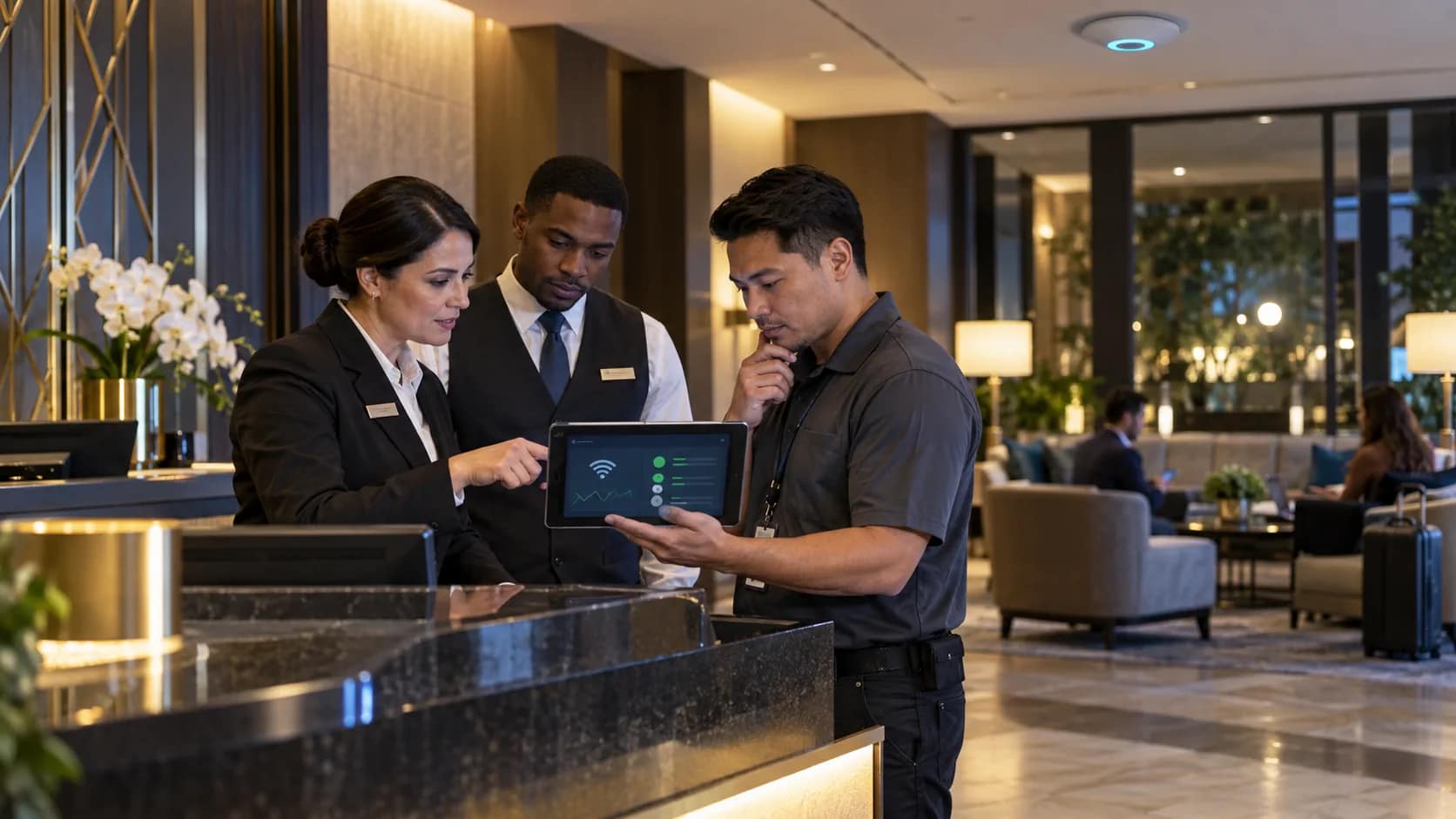
Hospitality wifi support should not begin with a vague ticket that says “guest says Wi-Fi is down.” By the time that message reaches a vendor, the guest may have changed rooms, restarted a device, left the property, or posted a review. The hotel loses the most important details: where the issue happened, when it happened, what the guest saw, and whether the problem was coverage, login, speed, or an outage.
A stronger support process gives the front desk, engineering, management, and outside vendors the same working record. It does not require the property team to become network engineers. It requires a clear way to capture evidence, route ownership, and confirm the guest-facing result before the issue is considered closed.
Define the first-response owner before the complaint
Guest Wi-Fi issues move quickly because they usually arrive through the front desk. A guest cannot connect. A meeting planner reports poor speed. A loyalty member says the login page keeps looping. If the first-response owner is unclear, the desk may call the wrong vendor, engineering may restart equipment without recording what changed, and management may only hear about the problem after a bad stay survey.
The first-response owner should know exactly what to collect before escalation: guest area or room, device type, time of issue, visible error message if any, whether the login page appeared, whether other guests are affected, and whether wired or back-office systems are also showing symptoms. That short intake turns a complaint into useful support evidence.
JET’s guest Wi-Fi services are built around the reality that hotel networks live inside daily operations. Coverage, support, vendor coordination, and guest expectations all need to be understood together.
Separate symptoms from systems
One of the easiest ways to waste time is to treat every guest internet complaint as the same issue. “Slow Wi-Fi” can mean weak signal, overloaded access points, ISP congestion, captive portal failure, DNS trouble, a device-specific problem, or a support policy that is not clear enough for the desk to follow. The support checklist should force the team to describe the symptom before naming the system.
For a coverage symptom, the record should point to a repeatable location: room stack, meeting room, pool area, lobby corner, or elevator-adjacent hallway. For a capacity symptom, the record should include occupancy, event timing, and whether the issue gets worse during evening streaming windows. For a login symptom, the record should capture whether the portal loaded, whether the guest was returning or first-time, and whether multiple device types failed.
Security boundaries also matter. NIST’s wireless network guidance highlights the importance of documented wireless configuration and monitoring practices. Hotels do not need to turn every support ticket into a security project, but they should make sure guest traffic is separated from business systems and that only authorized support owners change wireless settings. See NIST SP 800-153 for the broader wireless security framework.
Give the front desk a script, not a troubleshooting burden
The front desk should not be asked to diagnose controller logs or switch settings. The desk should be given a short, repeatable script that protects the guest experience and gives support enough detail to move. A useful script asks where the guest is, what device is affected, whether the login page appears, whether the issue affects one device or multiple devices, and whether the guest needs an immediate workaround while support investigates.
The tone matters. “We will let IT know” sounds passive if nobody owns the next step. “We are checking whether this is a room-specific, login, or wider service issue” gives the guest more confidence and gives the team a cleaner path. The script should also explain when the issue moves from front desk intake to engineering, from engineering to vendor, and from vendor to management update.
Connect Wi-Fi support to the after-hours plan
Many guest internet issues happen outside the comfortable window when the property manager, IT partner, or carrier contact is easy to reach. That is why the Wi-Fi support process should connect directly to the hotel’s after-hours escalation plan. If the night auditor receives the complaint, the plan should say who gets called first, what evidence is required, what can be safely restarted, and what should never be changed without approval.
JET’s hotel after-hours IT support plan gives operators a broader structure for deciding what gets escalated immediately, what evidence vendors need, and how incidents should be closed. Wi-Fi should be one of the clearest paths in that plan because it is one of the systems guests notice fastest.
Close the issue with proof, not a quiet inbox
A quiet inbox does not always mean the issue is fixed. The guest may have given up, moved to cellular data, left the meeting room, or stopped reporting the problem. Before closing a hospitality Wi-Fi support ticket, the hotel should verify the affected location, repeat the guest path, confirm the login flow, and record what changed. If a vendor adjusted a configuration, the property should know what was changed and who approved it.
The closeout note should be simple enough for the next shift to understand. It should include the symptom, impacted area, support owner, vendor action if any, verification step, and whether follow-up monitoring is needed. If the same issue appears again, the team should be able to compare the new complaint against the prior closeout instead of starting from scratch.
Review recurring Wi-Fi tickets as an ownership signal
Recurring Wi-Fi tickets are not only a technical signal. They are an ownership signal. If the same issue keeps appearing, the property may need a coverage review, a portal review, clearer vendor escalation, better monitoring, or a leadership decision about bandwidth and guest expectations. The point of a checklist is to make those patterns visible before they become reputation damage.
Hotels should review recurring Wi-Fi support notes weekly during active issues and monthly during normal operations. Look for repeated locations, repeated device types, repeated complaint windows, and repeated handoff delays. If the pattern is not technical, the fix may be training, documentation, vendor accountability, or a clearer after-hours owner.
If your team needs a cleaner support path for guest internet complaints, schedule a guest Wi-Fi support review with JET. A focused review can help the property capture better evidence, escalate faster, and close Wi-Fi issues with confidence.