
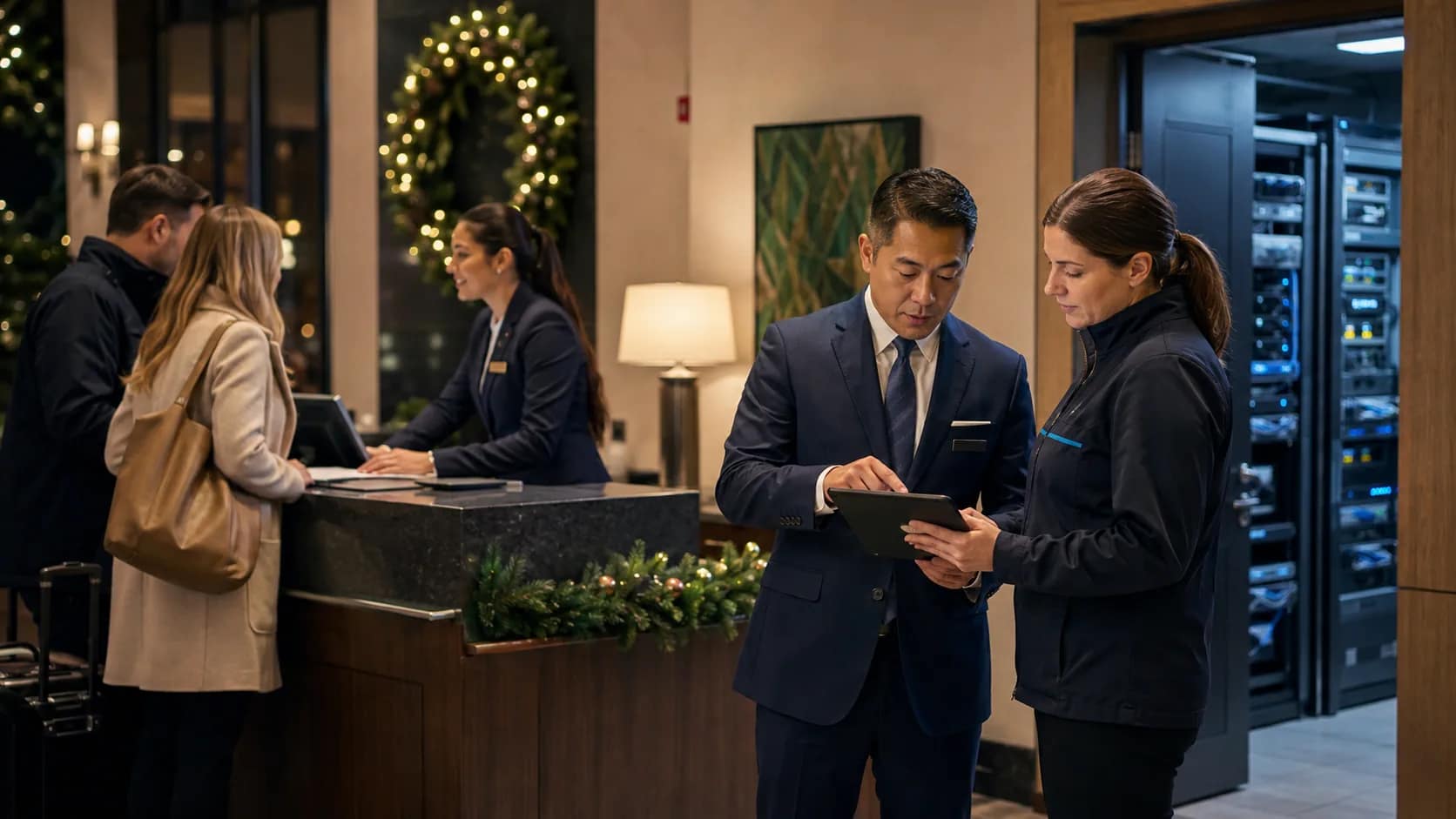
A hotel after-hours IT support plan should answer one practical question before the weekend starts: when a guest-facing system fails at night, who receives the first call, what evidence do they collect, and who owns the issue until the property confirms it is closed?
Hotels often prepare for busy periods by checking staffing, rooms, food and beverage, and arrivals. Technology needs the same discipline. Guest Wi-Fi, room phones, PBX and 911 routing, TVs, casting, cameras, access control, back-office systems, and managed network equipment can all create guest impact after normal office coverage is gone.
Start with the first call owner
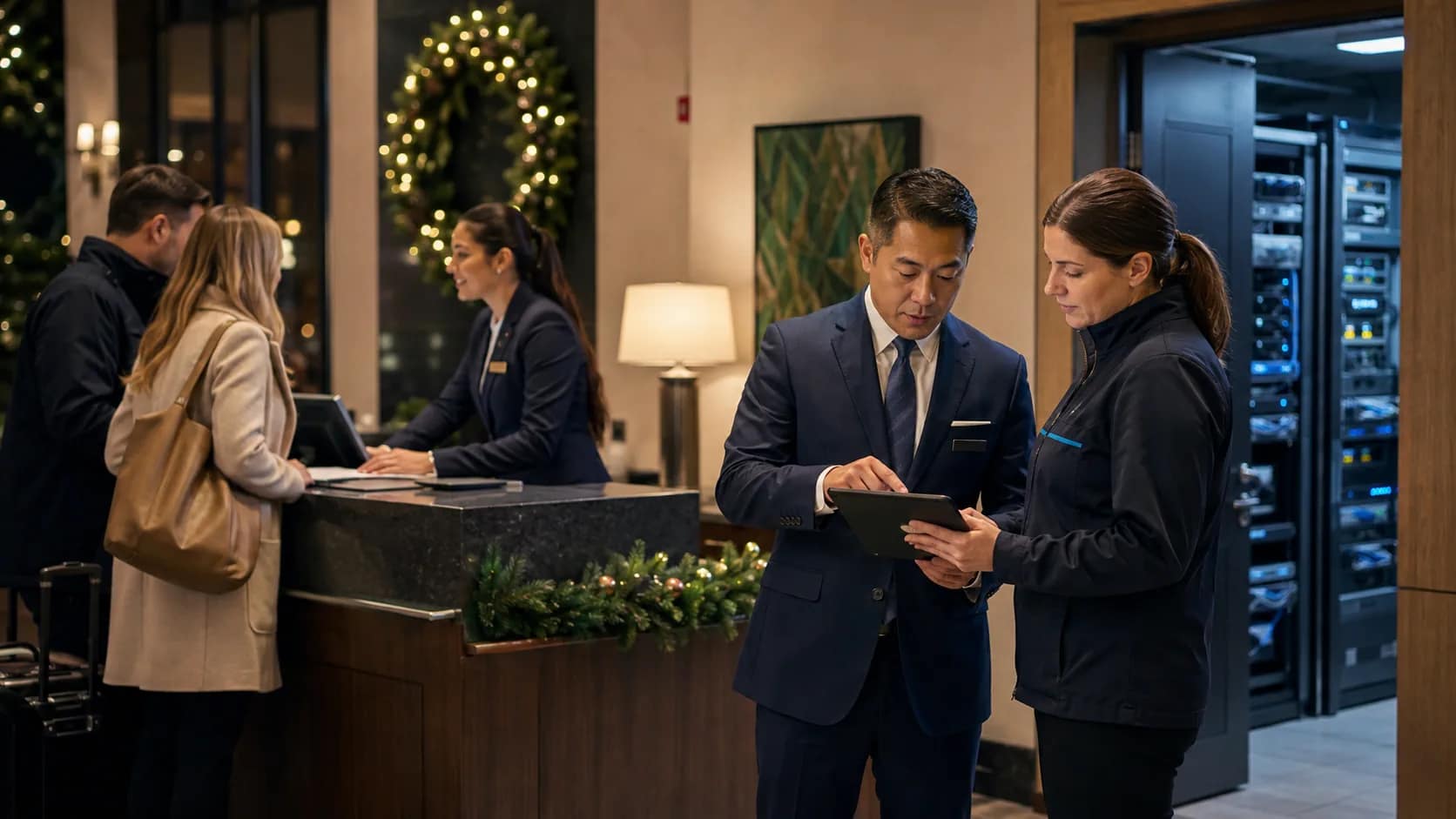
The first failure in many after-hours incidents is not technical. It is ownership. A guest reports that Wi-Fi will not authenticate, a room phone cannot reach the desk, a TV app will not reset, or a camera view disappears. If the front desk does not know who owns the first response, the property loses time before troubleshooting even begins.
For each guest-facing system, name the first call owner, the backup owner, and the exact condition that triggers escalation. That record should be simple enough for the night team to use without rebuilding the vendor stack from memory.
JET’s operating model is built around that kind of clarity: owner-side coordination, one-call support routing, triage, remote troubleshooting, vendor escalation, and dispatch when the issue cannot be solved remotely. See how JET works for the broader coordination model.
Separate symptoms from systems
For guest internet complaints specifically, this hospitality WiFi support checklist keeps the team from escalating vague symptoms without room, device, timing, and login details.
After-hours support gets messy when the symptom sounds like one system but the cause belongs somewhere else. “Wi-Fi is down” may involve the carrier circuit, firewall, DHCP, authentication portal, access point, switch, room location, or guest device. “The phone is not working” may involve the handset, PBX, SIP trunk, carrier account, emergency routing, or room programming.
A useful plan gives staff a short symptom-to-system map. It does not require the night team to diagnose everything. It tells them what to observe, what to capture, and which support path receives the ticket first.
Build an evidence packet before vendor escalation
Keep a hotel technology escalation directory beside the after-hours plan so the night team can find the right owner quickly.
Vendors can move faster when the hotel sends useful evidence. Without it, each party may ask the same questions while the guest problem remains open. The evidence packet should be short, repeatable, and tied to the systems that most often affect guests.
- Exact time the issue was reported
- Room number, floor, public area, or back-of-house location
- Guest or staff impact in plain language
- Device type, extension, TV model, access point, or network segment when known
- Screenshots, error messages, ticket numbers, and recent change notes
- Whether the problem affects one room, one floor, one service, or the full property
The goal is not paperwork for its own sake. The goal is to prevent the hotel from paying for speed while still forcing every technician to rediscover the same facts.
Include PBX and emergency calling in the after-hours plan
A practical PBX upgrade checklist gives after-hours teams a clearer handoff before a provider change or phone-system cutover.
Phones deserve their own check because they touch guest service, staff safety, and emergency response. Before a weekend or holiday period, confirm front-desk calling, room-to-desk paths, main number routing, voicemail behavior, after-hours carrier contacts, and emergency call notification rules.
The FCC’s MLTS 911 requirements and the 911.gov summary of Kari’s Law and RAY BAUM’s Act are useful reminders that multi-line telephone systems need more than ordinary dial tone. Hotels should know how emergency dialing, callback, location information, and notifications behave before an incident tests the system.
Define what gets escalated immediately
A documented guest-room key card support process helps the night team decide when a key card issue is a guest-service workaround, vendor ticket, or urgent access-control escalation.
Not every technology issue needs the same response. A single remote with low batteries is not the same as a floor-wide Wi-Fi authentication failure. A lobby screen content problem is not the same as a missing camera view in a critical area. The support plan should define severity levels before a tired team has to decide at midnight.
| Issue type | Typical first question | Escalation trigger |
|---|---|---|
| Guest Wi-Fi | How many rooms or areas are affected? | Multiple rooms, public areas, or authentication failures |
| PBX / phones | Is the issue room-specific, desk-specific, or property-wide? | Main number, room calling, emergency path, or carrier failure |
| TV / casting | Is this one room or a system-wide content path? | Repeated room failures, privacy reset issue, or provider outage |
| Cameras / access control | Does the issue affect safety, visibility, or access? | Missing critical view, failed access point, or alert ownership gap |
Connect monitoring to the support record
Monitoring is useful only when someone knows what to do with the signal. A dashboard may show a device online, a circuit healthy, or an alert cleared, while the property still has a guest-impacting problem. The owner-side support plan should define who sees alerts, who accepts the first ticket, and what proves the incident is resolved.
JET’s hotel technology monitoring checklist goes deeper on alert ownership, evidence, vendor boundaries, and monthly support proof. The after-hours plan is the shorter operating record that staff can use when normal coverage is thin.
CISA and the FBI have warned organizations to stay especially vigilant around holidays and weekends, when staffing and response patterns may be different. Their holiday and weekend ransomware awareness guidance is cybersecurity-focused, but the operating lesson is broader: support coverage, monitoring, and escalation should be confirmed before low-coverage periods begin.
Close the incident with proof, not memory
Use a hotel technology incident log to turn that closeout note into a reusable owner record.
The last step matters. If the property does not record what happened, who owned it, and how it was closed, the same issue can come back during the next busy period. A closeout note should identify the affected system, root cause if known, vendor ticket, fix applied, guest or staff impact, and any follow-up needed during business hours.
This is also where ownership can learn. If every after-hours incident required the same person, the same vendor delay, or the same missing credential, the problem is not just the incident. It is the operating model.
After-hours support plan checklist
- Each guest-facing system has a first call owner and backup owner.
- The front desk has a short symptom-to-system guide.
- PBX, room phones, main numbers, and emergency calling paths are verified.
- Monitoring alerts have named recipients and response rules.
- Vendor contacts include after-hours coverage and escalation thresholds.
- Staff know what evidence to collect before opening or escalating a ticket.
- Critical incidents have a guest communication rule.
- Every incident closes with a ticket, owner, fix, and follow-up note.
If your property is relying on memory, vendor phone numbers, or a scattered closeout folder, request an after-hours support path review. JET Hotel Solutions can help connect Wi-Fi, phones, guest entertainment, monitoring, vendors, and dispatch into a support plan the hotel can actually use when normal coverage is thin.