
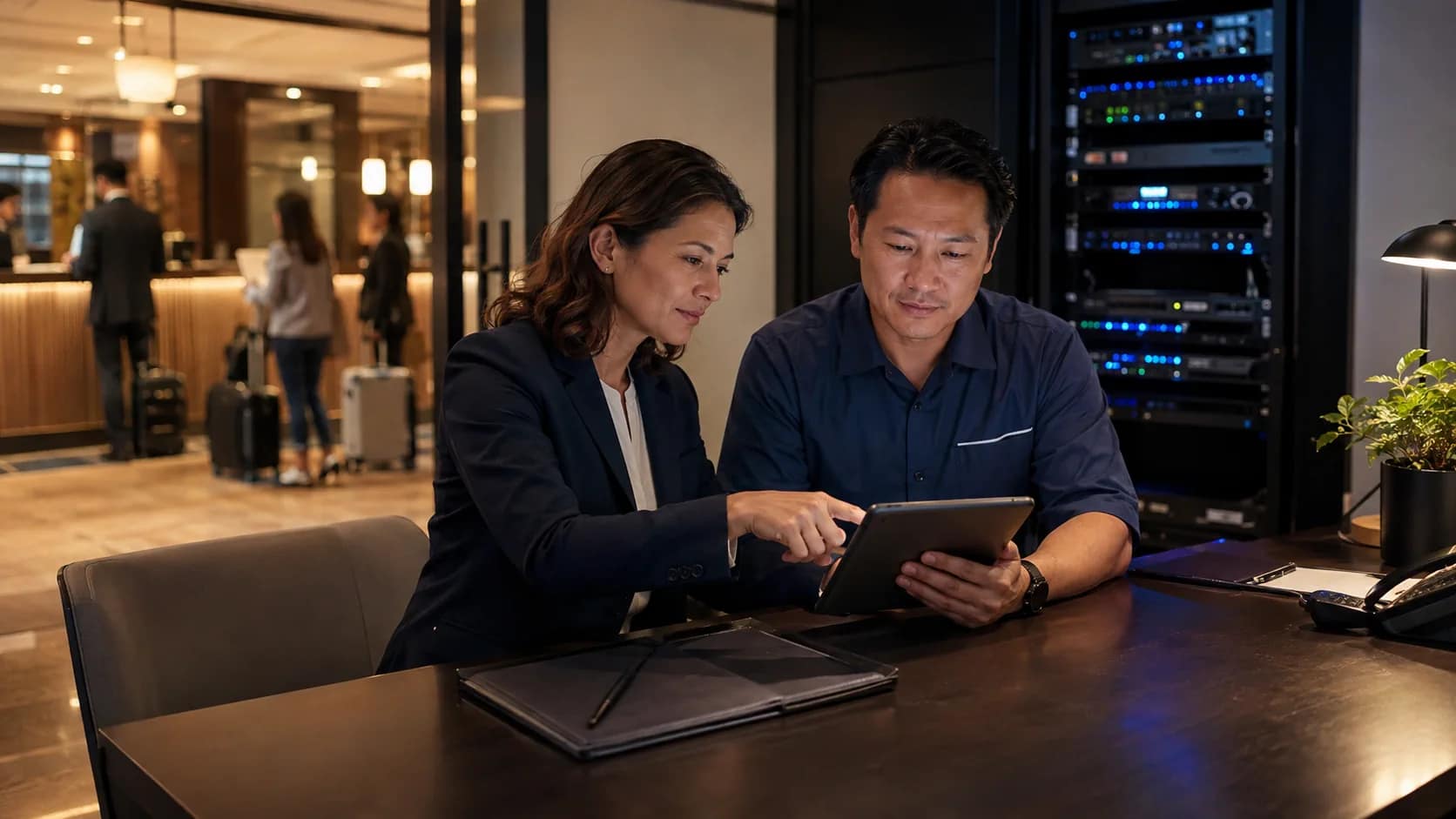
A hotel technology incident log should do more than prove that someone opened a ticket. It should help ownership understand what guests felt, which system failed, who owned the response, what evidence was captured, and what should change before the next busy weekend.
That matters because hotel technology incidents rarely stay inside one system. A Wi-Fi complaint can involve a circuit, switch, access point, portal, room location, or guest device. A phone issue can touch PBX programming, carrier routing, room extensions, emergency calling, and front-desk response. A TV or casting failure can depend on the network, room endpoint, content provider, privacy reset, or vendor support path.
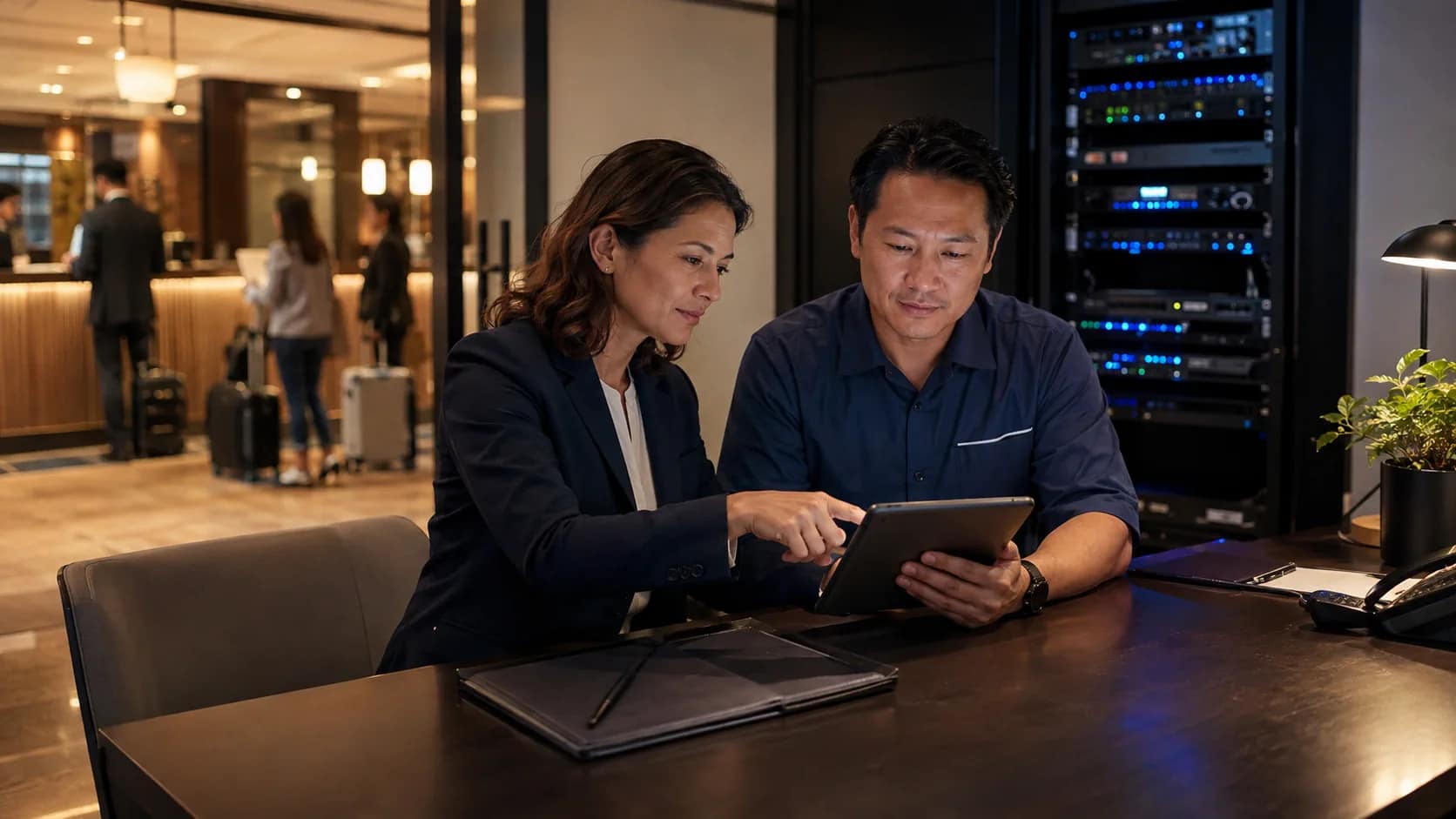
Record guest impact first
The first line of the incident log should describe the operational problem in hotel language. “AP offline” may be technically useful, but ownership also needs to know whether guests could not authenticate, rooms on one floor lost service, front desk calls were failing, or a public-space screen created confusion.
Start with the guest or staff impact, then add the technical signal. This keeps the support conversation tied to the hotel outcome instead of only the device status.
Capture location, time, and scope
A useful log separates a single-room issue from a property-wide issue. Record the report time, affected room or area, guest or staff role, device type, and whether the issue was repeated. If the same complaint appears across several rooms or shifts, that pattern should be visible without searching through scattered emails.
For Wi-Fi, include room number, floor, public area, SSID, device type, and whether authentication or performance was the problem. For phones, include extension, main number, carrier path, voicemail behavior, and emergency calling notes when relevant. For TVs and casting, include room, model or endpoint, app or channel path, and privacy-reset behavior.
Separate first response from vendor escalation
Pair every incident closeout with a vendor escalation directory so recurring issues do not depend on memory.
The log should show who accepted the first response and when the issue moved to a vendor. This prevents every open ticket from becoming a vague “waiting on support” item. If the front desk, engineering, MSP, carrier, PBX provider, TV vendor, or security integrator touched the issue, record the handoff.
JET’s support model is built around making those handoffs visible: owner-side coordination, triage, remote troubleshooting, vendor escalation, and dispatch when remote work is not enough. See how JET works for the broader coordination model.
Attach the evidence packet
For camera-related incidents, a camera system acceptance checklist gives the team a clearer way to confirm views, timestamps, retention, and vendor evidence before escalation.
Evidence turns a ticket from a complaint into a useful support record. A basic packet can include screenshots, device status, affected area, timestamps, ticket numbers, recent changes, error messages, speed test results, extension behavior, vendor replies, and photos of equipment when physical conditions matter.
NIST’s incident response guidance emphasizes preparation, communication, response, recovery, and improvement after incidents. A hotel does not need to turn every support issue into a cybersecurity report, but the same operating principle applies: capture enough evidence to respond, recover, and learn from the incident.
Include PBX, 911, and safety-sensitive notes
Phone and safety-sensitive issues deserve a separate field in the incident log. If an incident involves room phones, front-desk calling, elevator phones, alarm lines, pool phones, emergency calling, cameras, access control, or staff-safety alerts, the log should show whether the issue affected normal guest service or a safety path.
The FCC’s MLTS 911 requirements and 911.gov’s Kari’s Law and RAY BAUM’s Act summary are reminders that emergency call paths need documented behavior, not assumptions. If a hotel changes PBX, carrier, routing, or phone programming, those checks should be visible in support records.
Close the loop with a verified result
A closed ticket should not simply mean that a vendor stopped working on it. The hotel should know what changed, who verified the result, and whether the guest-facing condition was restored. If the fix was temporary, the log should say so.
For support issues during holidays or weekends, the closeout field is especially important. CISA and the FBI have warned organizations to stay vigilant around holidays and weekends because staffing and response patterns can be thinner. Their holiday and weekend ransomware awareness guidance is cybersecurity-focused, but the operating lesson applies broadly: response coverage should be tested before low-coverage periods, and incident learning should feed the next plan.
Turn recurring issues into scope decisions
The incident log becomes more valuable when reviewed on a cadence. One isolated room TV issue may be a local fix. Repeated casting failures across a floor may point to network design, endpoint configuration, guest instructions, or vendor support boundaries. One Wi-Fi complaint may be a device problem. A repeated authentication pattern may deserve a monitoring, configuration, or support-process review.
Connect the incident log to the hotel after-hours IT support plan so the property improves both sides of the process: how staff respond during the issue, and how ownership learns afterward.
Hotel technology incident log fields
- Date, time, shift, and reporting person
- Guest or staff impact in plain language
- Affected system, room, floor, public area, or back-of-house location
- First response owner and backup owner
- Evidence captured before escalation
- Vendor, carrier, MSP, or integrator ticket number
- Temporary workaround, if any
- Verified closeout result and witness
- Root cause or probable cause when known
- Follow-up action for the next business day or monthly review
If your hotel is collecting support issues across texts, emails, vendor portals, and memory, request a support closeout review. JET Hotel Solutions can help connect incident evidence, vendor ownership, monitoring, phones, Wi-Fi, guest entertainment, and dispatch into a support record owners can actually use.