
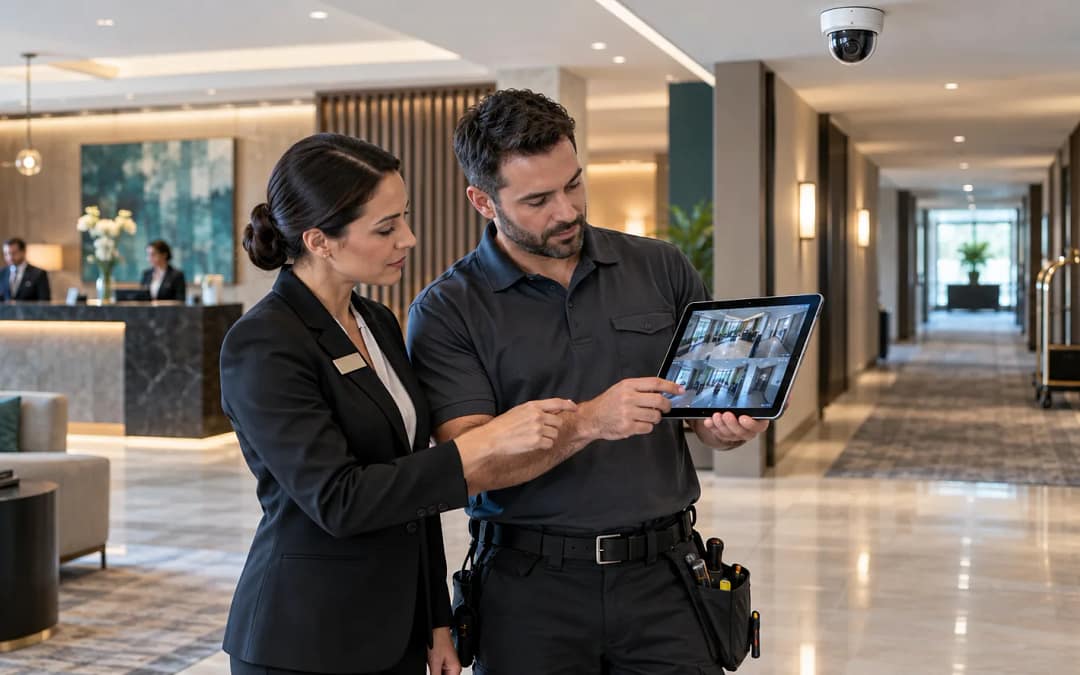
A hotel security camera system is not accepted when cameras are mounted and a recorder is online; it is accepted when the property can prove the right public areas are visible, recorded, retained, accessible, and supportable during a real incident.
Many camera projects fail quietly. The installation looks complete, the invoice is ready, and the system records something. Then an incident happens and the hotel discovers that the lobby view is blocked by lighting glare, the hallway camera does not show the right approach angle, timestamps are wrong, retention is shorter than expected, the manager does not have access, or the vendor needs evidence the property never captured.
That is why owners should treat cameras as a low-voltage operating system, not just a product list. JET’s hotel low-voltage services focus on the handoff between installed infrastructure and day-to-day hotel operations: cameras, cabling, network paths, power, storage, access, and support all need to line up before the system is signed off.
Start with what each camera must prove
Before accepting a camera layout, ask what each view is supposed to prove. A lobby camera might need to show entry direction, front desk activity, or a public-area incident. A corridor camera might need to capture movement at elevator banks or service doors. A loading-area camera might need to show vehicle access and staff safety conditions. Those are different use cases, and they may require different angles, heights, fields of view, lighting, and retention expectations.
Do not accept a system based only on the number of cameras. A count does not prove coverage. The acceptance record should identify the purpose of each camera, the area it covers, the limitation it has, and the person who approved that view.
Keep privacy boundaries explicit
Hotel camera work must protect guest trust. Cameras belong in appropriate public and operational areas, not in private guest spaces. The acceptance checklist should clearly identify where cameras are allowed, where they are not allowed, and who approved the placement decision. When a view captures a sensitive transition area, the property should confirm the purpose, visibility, and operational necessity before signoff.
This is also where legal and brand guidance matter. JET is not giving legal advice, and hotel owners should confirm local requirements with counsel or brand resources. From a technology handoff standpoint, the goal is to make sure the installed system matches the approved operating intent.
Verify views under real hotel conditions
A camera view that looks fine during installation may fail under normal hotel lighting, occupancy, and traffic. Test the view during day and night conditions when possible. Check glare from windows, decorative lighting, reflection from polished surfaces, seasonal obstructions, signage, plants, luggage carts, and furniture placement. If the camera is meant to support an incident review, the test should include the distance and angle needed for useful identification or context.
For each camera, record a screenshot or exported still image, the camera name, location, time, and reviewer. That record becomes the owner’s baseline. If a future incident shows a blind spot, the property can distinguish between a bad original design, a changed environment, or a system failure.
Confirm recording, retention, and timestamps
The most frustrating camera failure is discovering after an incident that video was not retained long enough, was recorded at the wrong quality, or carries an incorrect timestamp. Before accepting a hotel security camera system, verify how long footage is retained, what happens when storage is full, whether motion settings affect recording, whether time zones are correct, and whether exported clips preserve usable time and camera information.
NIST’s security and privacy controls emphasize that physical security and monitoring controls need defined procedures, accountability, and review. For a hotel, that translates into a practical question: if something happens next Friday night, can the manager find, export, and share the right footage without guessing?
Test the network and storage path
Cameras are often treated as endpoints, but the system depends on cabling, switching, PoE budget, VLAN or network design, recorder capacity, storage health, remote access rules, and sometimes cloud connectivity. A camera that shows online today may still be fragile if the switch is overloaded, the recorder is nearly full, or the network path is not documented.
Owners should require a simple as-built record: camera names, locations, switch ports, recorder or VMS location, storage settings, credentials owner, vendor contacts, and service agreement details. That document is not busywork. It is what lets the property troubleshoot the system six months after installation when the original crew is gone.
Define who can access footage
Access should be controlled. Not every employee needs camera access, and not every manager needs administrator rights. The hotel should define who can view live cameras, who can export footage, who can add users, and who can contact the vendor for support. Shared passwords and unmanaged admin accounts create avoidable risk.
The same rule applies to remote access. If ownership, security, or a management company needs off-site access, document how it works, who approved it, and how access is removed when roles change.
Connect cameras to the incident process
A camera system is only useful if the hotel team knows how to use it during an incident. The property should connect camera review to its hotel technology incident log. The log should capture the incident time, camera names reviewed, footage exported, person who reviewed it, and whether the system performed as expected.
This matters because recurring camera problems are often operational signals. If the same entrance view is always blocked, the issue may be placement. If exports fail, the issue may be permissions or recorder configuration. If timestamps drift, the issue may be time sync. The incident record turns frustration into a fixable scope item.
Owner acceptance checklist
Before final payment or operational acceptance, ownership should be able to answer these questions:
- Does each camera have a documented purpose and approved public-area view?
- Were daytime, nighttime, glare, and obstruction conditions checked?
- Are recording quality, retention period, storage health, and timestamps verified?
- Are camera names, locations, switch ports, recorder details, and vendor contacts documented?
- Does the management team know who can view, export, and administer footage?
- Can the hotel export useful footage during an incident without relying on memory?
- Are privacy boundaries and guest-sensitive areas clearly excluded?
- Is there a support path for outages, failed cameras, storage issues, and remote access problems?
If those answers are unclear, the property may have cameras without an operating camera system. The installed equipment may be valuable, but the hotel still lacks the proof, access, and handoff needed to support safety and operations.
JET Hotel Solutions helps owners verify the low-voltage and operational details behind guest-facing and staff-facing systems. If your property is planning a camera upgrade, renovation, opening, or system handoff, schedule a hotel security camera readiness review with JET.