
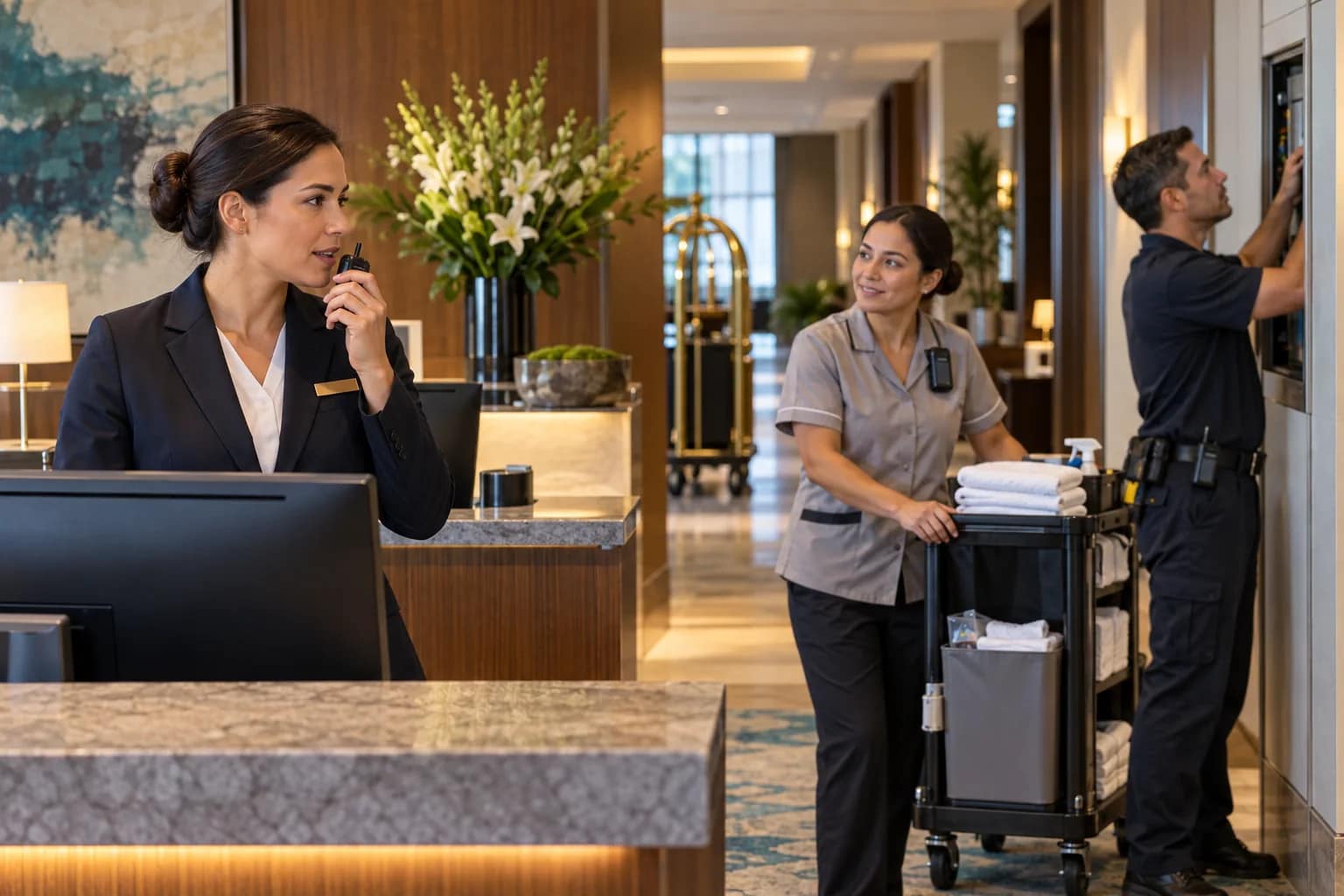
A hotel staff communication system should do more than let two employees talk. It should help the front desk, housekeeping, engineering, security, food and beverage, and management move the right information to the right person without exposing guest details or creating another unsupported device fleet.
The buying decision is often framed as radios versus an app or wearable. Owners need a wider view. Coverage, workflow, emergency priority, battery life, network dependence, language needs, shift handoff, privacy, adoption, and after-hours support all affect whether the system works when the hotel is busy. This checklist turns those issues into an operating decision before equipment is ordered.
Map hotel roles before comparing devices
Begin with who needs to communicate and what action follows. A front desk agent may need to request an engineering response, confirm a room status, call for a supervisor, or escalate a guest-safety concern. Housekeeping may need hands-free communication while working alone. Engineering may need group communication across mechanical spaces, roofs, parking areas, and guest floors. Banquets may need temporary event groups.
For each role, document the common message, required response time, recipients, privacy level, location, and escalation owner. This prevents the hotel from buying one device for every employee while leaving the real workflows undefined.
Compare radio, Wi-Fi, and cellular push-to-talk paths
Traditional two-way radios can be fast and familiar, but range is affected by building structure, frequency, antenna design, and repeater placement. Wi-Fi devices can use existing property coverage but may inherit roaming, authentication, segmentation, and outage risks. Cellular push-to-talk can extend beyond the property but introduces carrier coverage, data plans, cloud service, and recurring costs.
The right answer may be one platform or a planned combination. JET’s guide to walkie-talkies for hotel use is a useful starting point for the radio side of the decision. The owner comparison should still show what happens when the network, carrier, cloud service, repeater, or device battery is unavailable.
Test coverage where employees actually work
A lobby demonstration is not a hotel coverage test. Walk the property through guest floors, stairwells, elevators and elevator lobbies, laundry, kitchens, loading areas, mechanical rooms, parking structures, exterior arrival zones, pool areas, and back-of-house corridors. Test transmission, reception, audio clarity, device roaming, and message delay.
Use representative building conditions. Closed doors, occupied event spaces, operating equipment, and concrete structures can change results. Record dead zones and the approved remedy. If a repeater, additional access point, cellular booster, or alternate channel is required, it belongs in the final scope and acceptance record.
Separate routine coordination from emergency communication
Routine requests should not compete with urgent alerts. Define priority rules for guest medical events, staff duress, fire/life-safety instructions, severe weather, evacuation, and security concerns. Decide whether emergency communication uses the same device, a dedicated staff-alert or employee-safety device, or a separate alarm and response workflow.
OSHA’s emergency-preparedness guidance notes that employers should consider communication tools such as public-address systems, portable radios, or other systems for contacting responders and notifying workers. A hotel should coordinate its communication tools with the approved emergency action plan, not treat a radio or wearable as a replacement for required life-safety systems.
Protect privacy and keep messages useful
Open voice channels can expose guest names, room numbers, medical details, payment information, or security-sensitive situations. Create message rules before rollout. Staff should know what can be spoken on a shared channel, what requires a private path, and how to identify a location without broadcasting unnecessary personal information.
For app-based or cloud platforms, review account ownership, encryption, message retention, location data, audit logs, mobile-device management, user removal, and vendor access. The hotel should control the administrative account and know how former employees, contractors, or lost devices are removed promptly.
Plan device ownership, charging, and shift handoff
Communication systems fail operationally when devices are missing, uncharged, assigned inconsistently, or left with the wrong channel and volume settings. Define whether devices belong to named employees, departments, positions, or shifts. Provide a labeled charging location and a start-of-shift check for battery, accessories, software status, and correct group assignment.
Track spare devices, replacement batteries, chargers, earpieces, clips, and cleaning supplies. Establish what happens when a device is damaged or lost. If the platform uses personal phones, document reimbursement, acceptable-use, privacy, after-hours expectations, and the method for removing access.
Make adoption part of the acceptance test
A technically working platform can still fail if staff avoid it. Test the device while employees perform their actual jobs. Can a housekeeper operate it with gloves or while carrying supplies? Can engineering hear it near equipment? Can front desk teams communicate discreetly? Can supervisors create temporary groups without disrupting property-wide traffic?
Training should cover basic use, communication etiquette, emergency priority, privacy, lost devices, dead-zone workarounds, charging, and escalation. Repeat the workflow across different shifts and language needs. The goal is not only to prove that a message was sent; it is to prove that the right employee received it, understood it, and acted.
Connect communication to the escalation path
The hotel needs an operating owner for the system and a support path when it fails. The hotel technology escalation directory should list the first response, platform administrator, network or carrier contact, device vendor, support hours, account identifiers, and evidence required for a ticket.
Separate user problems from system problems. A single uncharged device is different from a property-wide service outage, recurring dead zone, failed cloud login, repeater fault, or network roaming issue. Define who diagnoses each condition and who confirms that service is restored.
Require an owner-side acceptance record
Before signoff, record the approved roles, devices, groups, channels, coverage test, dead-zone remedies, emergency priority, administrative owners, privacy settings, charging plan, training completion, spares, warranties, subscriptions, and support contacts. Include model and serial information where practical and save the final configuration.
Run a small set of real scenarios: guest-room maintenance request, room-status update, manager assistance, isolated-worker check-in, urgent security escalation, and network or device failure. Record the sender, recipient, delivery time, expected action, and closeout. A system is ready when the hotel can operate it—not merely when the installer can demonstrate it.
Use the checklist before approval
- Every department has documented communication workflows and response owners.
- Radio, Wi-Fi, cellular, cloud, and failure dependencies are visible.
- Coverage is tested in guest, back-of-house, exterior, and mechanical areas.
- Routine messages and emergency communication have clear priority rules.
- Privacy, account ownership, retention, and lost-device procedures are approved.
- Charging, spares, cleaning, assignment, and shift handoff are documented.
- Real staff complete scenario-based training and acceptance tests.
- The hotel owns the configuration record and escalation directory.
JET Hotel Solutions helps owners connect staff communication devices with hotel workflows, network readiness, employee-safety systems, coverage testing, vendor coordination, and ongoing support. Request a hotel staff communication readiness review before selecting the platform or releasing final acceptance.