
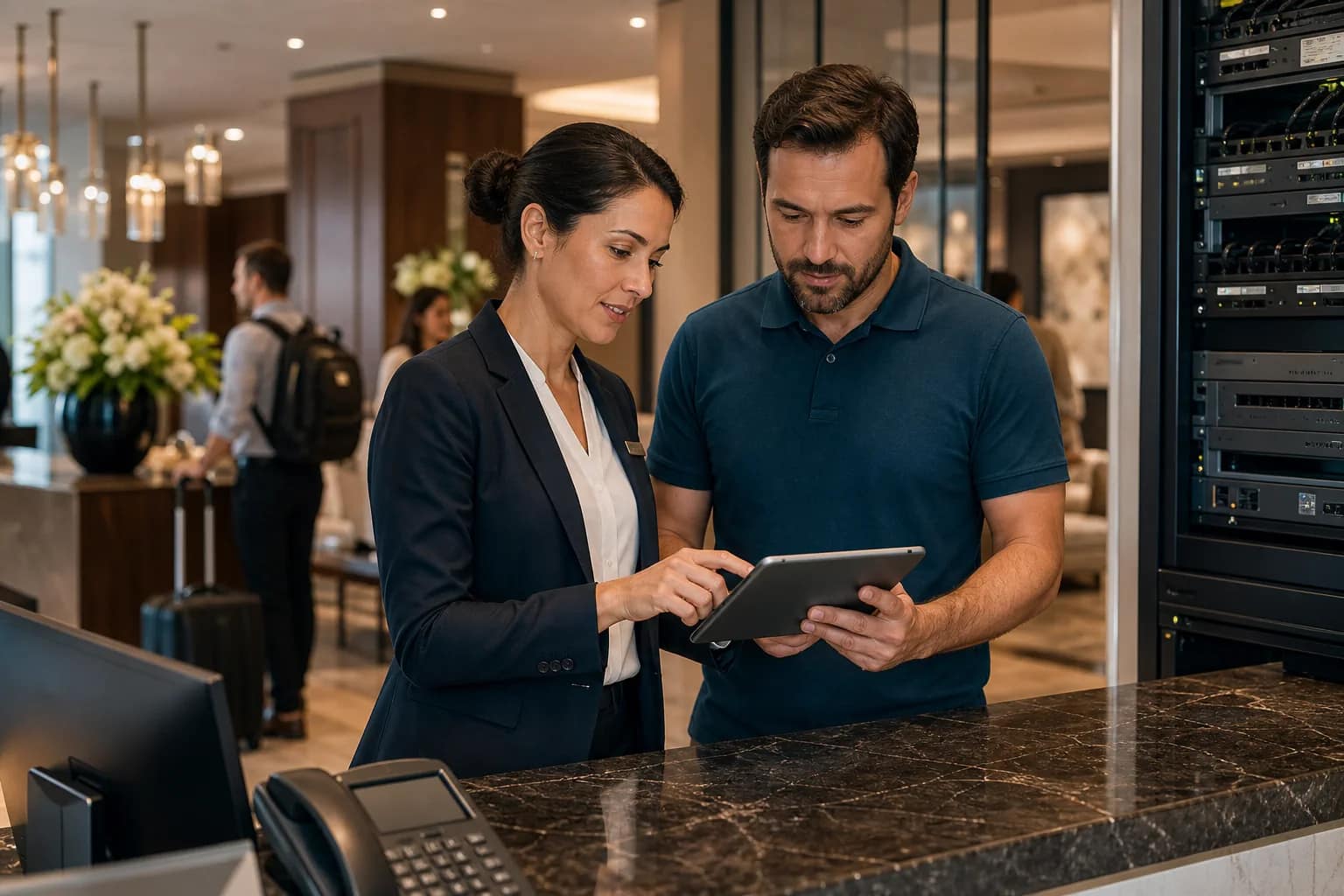
A hotel Labor Day technology checklist should be short enough for a Friday review and specific enough to prevent a weekend scramble. Before a high-occupancy holiday, owners and operators should confirm the systems guests notice first, the support paths staff rely on, and the vendor escalation rules that decide whether a small issue stays small.
Labor Day weekend is not the time to discover that the guest Wi-Fi alert goes to the wrong person, the PBX escalation list is stale, the TV vendor does not cover after-hours tickets, or the night team does not know what evidence to collect before calling support. The checklist below focuses on the practical technology checks a hotel can finish before the rush.
Confirm who owns the first support call
Keep the same ownership logic in an after-hours hotel technology support plan for the next weekend or holiday period.
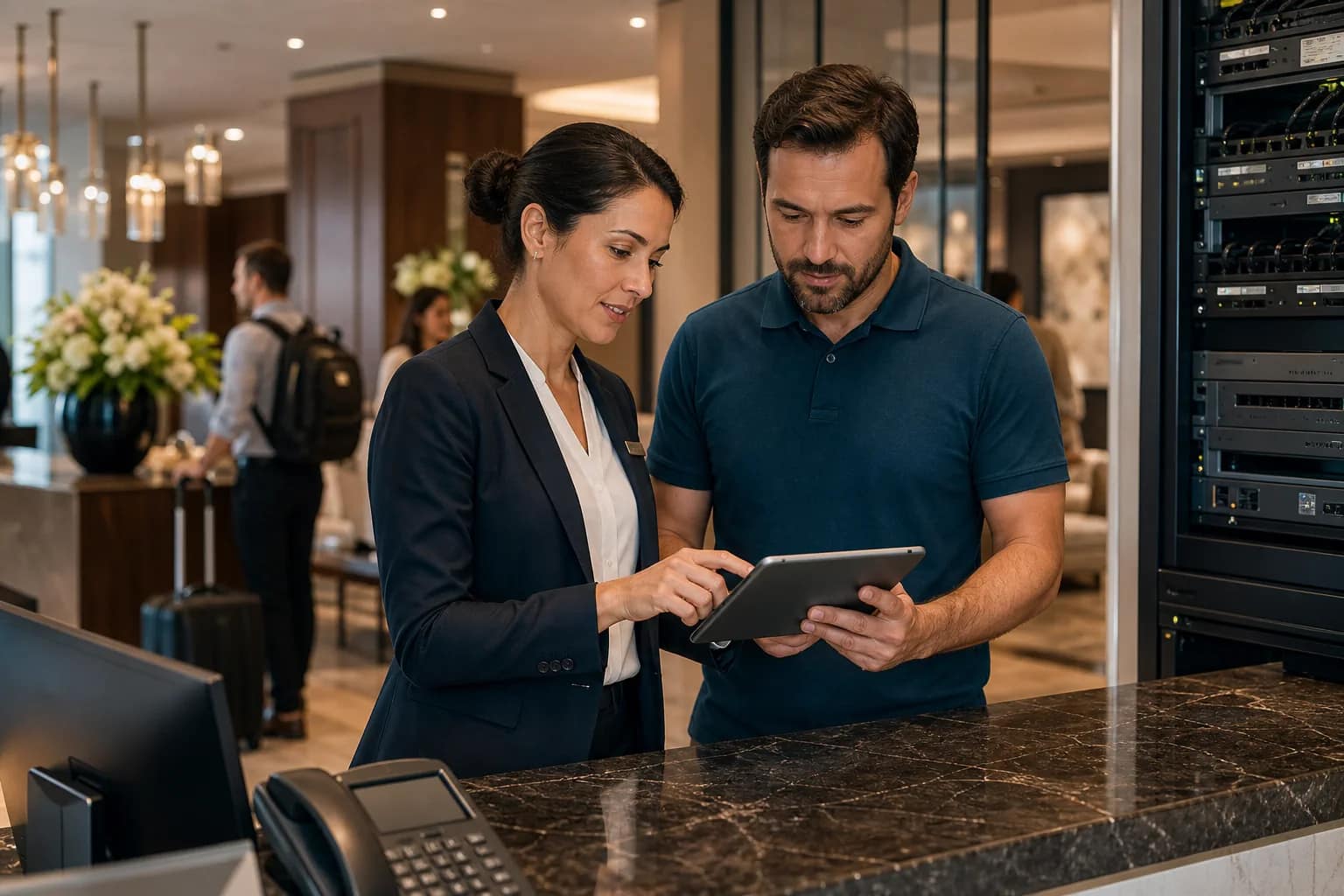
Holiday weekends expose unclear support ownership. The front desk may hear about the issue first, engineering may see the symptom, the vendor may control the portal, and the owner may be the only person who knows what the contract actually includes. If those roles are not named before occupancy rises, the property loses time.
Start with one simple question for each system: who receives the first call, and what are they expected to do? JET’s service model is built around that need for a central path: owner-side coordination, a one-call support route, triage, remote troubleshooting, vendor escalation, and dispatch when the issue cannot be solved remotely.
For the fuller evergreen operating model, keep JET’s weekend readiness checklist for operators nearby. The Labor Day version is the fast pre-rush check; the evergreen version is the standard operating discipline.
Check guest Wi-Fi before the first complaint
Guest Wi-Fi usually becomes visible when the hotel is least staffed to troubleshoot it. Test more than one device, more than one floor, and more than one guest path. A lobby test is not enough if the pool, meeting room, guestroom corridor, elevator landing, and back-of-house staff areas behave differently.
Before the weekend, confirm that the property can see the circuit state, gateway state, access point state, common authentication path, and guest-facing escalation path. If the property uses a managed router or cloud-managed network, confirm who can read the dashboard and who can act on it.
The owner-side question is not whether the dashboard has green icons. It is whether the team can connect those signals to the right party fast enough to protect the guest experience.
Review PBX, 911, and front-desk phone coverage
Phones deserve a separate holiday check because they touch guests, staff, emergency response, and brand operations. Verify the front-desk main number, room-to-front-desk calling, voicemail behavior, escalation numbers, after-hours carrier support, and any emergency calling requirements tied to the system.
The FCC’s MLTS 911 rules implement Kari’s Law and RAY BAUM’S Act requirements for multi-line telephone systems, including direct 911 dialing and dispatchable-location obligations in covered environments. Hotels should not treat those requirements as an abstract telecom issue. A high-occupancy weekend is exactly when room phones, staff phones, and notification paths should be easy to understand. The FCC summarizes those requirements on its MLTS 911 requirements page, and 911.gov also explains how the laws affect facilities such as hotels.
If a PBX cutover, carrier move, SIP migration, or phone-system refresh is recent, compare the holiday check against JET’s hotel PBX cutover checklist. A phone path can look fine in a normal test and still fail the property when staffing, guest volume, and urgency change.
Verify TV, casting, and guest-room support paths
Room entertainment issues can feel minor until the front desk is already handling arrivals, noise complaints, and room moves. Before a holiday weekend, test a representative room set for TV power, channel lineup or IPTV app access, casting reset behavior, remote controls, welcome screens, and vendor support instructions.
Do not stop at “the screen turns on.” The useful readiness question is what the property does when one room fails. Who tests the room? Who can reset the device? What information goes into the ticket? Which vendor owns the fix? How does the desk know when the issue is closed?
This same logic applies to lobby signage, meeting-room displays, and guest-facing devices. If guests can see it, staff need a simple path to report it and a clear owner to resolve it.
Make monitoring useful during lower staffing
CISA and the FBI have warned organizations to be especially diligent around holidays and weekends because reduced staffing can give attackers and outages more time to spread before detection. Their holiday and weekend ransomware awareness guidance is written broadly, but the hotel operations lesson is direct: the support plan must still work when the normal office rhythm is gone.
For hotel technology, that means monitoring needs a human response path. Confirm who sees alerts for the circuit, firewall, switches, access points, phones, cameras, and back-of-house devices. Confirm who knows the severity levels. Confirm who can reach the vendor. Confirm who tells the front desk what is happening.
Yesterday’s detailed hotel technology monitoring checklist goes deeper on alert ownership, evidence, escalation, and closeout. For Labor Day, the priority is to confirm the minimum response path before volume rises.
Prepare the evidence packet before escalation
After the weekend, run a hotel post-holiday technology review so every readiness item becomes a verified closeout item.
Support calls move faster when the hotel provides useful evidence. Before the weekend, create a short evidence checklist for the front desk, engineering, and any manager on duty. The checklist does not need to be complicated. It should capture the system affected, room or area, time observed, user impact, screenshots if available, ticket number, and the vendor or carrier contacted.
Evidence matters because holiday support often spans multiple parties. A Wi-Fi complaint might involve the carrier, firewall, switch, AP, captive portal, PMS, or guest device. A phone problem might involve a PBX vendor, SIP carrier, local wiring, number routing, or emergency notification configuration. Without evidence, every handoff starts from zero.
Owners should ask vendors what evidence they need before the first incident. If the vendor cannot answer clearly, the escalation path is not ready for a busy weekend.
Use one short Friday walk-through
A useful Labor Day readiness review can be finished in less than an hour if the property stays focused. Walk the front desk, MDF or network closet, one guest floor, one public space, and one back-of-house work area. Do not try to inspect every device. Look for the systems most likely to touch guest satisfaction, safety, and staff workload.
Use this final pass:
- Guest Wi-Fi joins cleanly in rooms, lobby, and public areas.
- Front desk phones, room phones, emergency calling, and escalation numbers are verified.
- TV, IPTV, or casting support steps are known to the desk.
- Camera, staff safety, and access-control alert ownership is clear.
- Back-of-house devices needed for operations are online and supported.
- Carrier, MSP, PBX, TV, security, and low-voltage contacts are current.
- Someone owns the incident until the hotel confirms closure.
That last point is the one owners should not skip. A long-weekend technology plan is only as strong as its ownership path.
If your property is heading into a busy weekend with unclear escalation paths, request a long-weekend technology readiness review. JET Hotel Solutions can help connect Wi-Fi, PBX, guest entertainment, monitoring, vendor coordination, and support into one operating plan before guests feel the gap.