
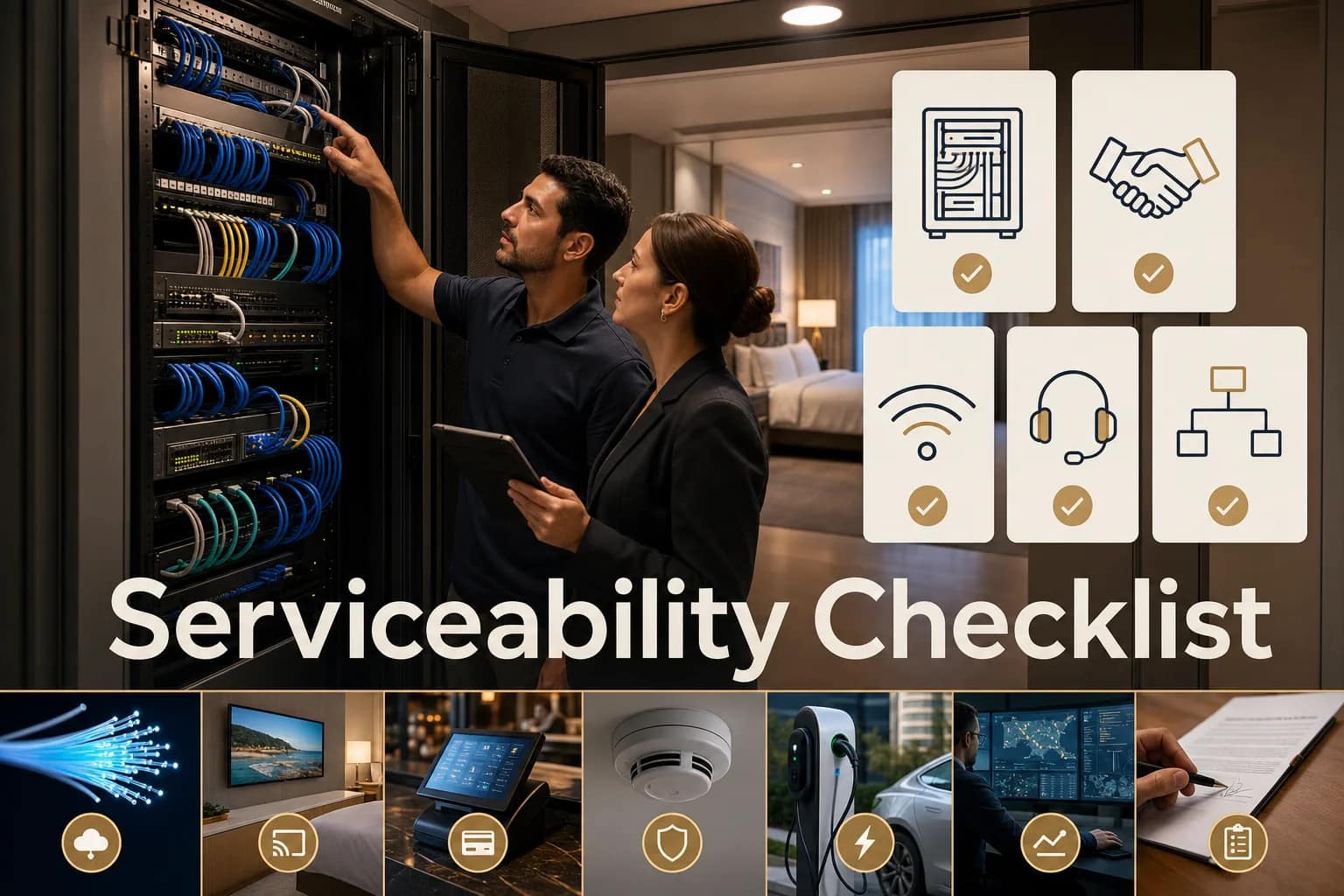
Serviceable hotel technology is easy to inspect, easy to understand, and easy to support when something breaks. That sounds simple, but most hotel technology problems do not start as dramatic failures. They start as small gaps: nobody knows which port feeds the device, the closet photo is two years old, the Wi-Fi dashboard says everything is fine but guests are still complaining, the circuit contract changed but the HSIA vendor was not ready, or the support plan does not clearly say what is included and what becomes billable.
This week’s theme at JET was serviceability. Not prettier racks for the sake of pretty racks. Not more dashboards. Not another shiny platform. The useful question is: when the next guest complaint, cutover, brand inspection, renovation deadline, or vendor handoff happens, can the property actually trace the system and get the right person involved fast?
If the answer is no, the issue is not only technical. It becomes operational. The front desk hears the complaint. Engineering gets pulled into guesswork. Ownership wonders why the project is taking longer. Vendors point at each other. A relatively small infrastructure gap turns into a service recovery problem.
Why serviceability matters more than it sounds
Hotel technology is no longer one system sitting in one closet. Guest Wi-Fi, PMS access, POS/payment paths, cameras, phones, IPTV or Free-to-Guest TV, staff communication, EV charging, mobile check-in, and back-of-house tools all depend on the same foundation: circuits, cabling, switches, access points, closets, labels, documentation, monitoring, and vendor escalation.
That is why a hotel technology checklist should not stop at “does it work today?” A better checklist asks whether the system can be supported tomorrow by someone who was not present during the install.
Hotel Tech Report’s 2026 hospitality Wi-Fi guide makes the same point from the Wi-Fi side: reliable Wi-Fi is operational infrastructure, and it supports guest satisfaction, staff productivity, PMS, mobile check-in, IoT, and staff communication systems. The vendor conversation should not be only speed and coverage. It should include who manages the network, how complex the property is, what integrates with it, how monitoring works, and how issues are escalated.
The same lesson shows up in low-voltage documentation. TIA-606-D focuses on administration systems for telecom infrastructure: identifiers, records, reports, permanent labels, spaces, pathways, and related documentation. Fluke frames certification as certifying, managing, and reporting on cable installation projects, not just plugging in a tester. A certification report should show cable IDs, pass/fail results, the test limit used, and detailed link results.
For hotel operators, that means serviceability is not a nice-to-have. It is the difference between “we can find and fix this” and “we need to call three vendors and hope someone remembers how it was built.”
The 5-part hotel technology serviceability checklist
1. Walk the closets before you trust the dashboard
Start with the physical layer. Walk the MDF, IDFs, network closets, telecom rooms, and any riser or equipment spaces that feed guest-facing systems. You are not trying to become a network engineer. You are trying to answer basic operator questions:
- Can someone safely access the closet without moving storage, carts, decorations, or maintenance supplies?
- Are racks, patch panels, power, UPS units, cable managers, and shelves installed in a way that can be serviced?
- Are the closets clean enough that a technician can trace a cable without guessing?
- Are WAPs, cameras, phones, TVs, POS, staff safety devices, and back-office systems tied back to known panels or switches?
- Are there current photos of each closet before and after any recent vendor work?
This is one reason we keep returning to vendor coordination. In this week’s vendor coordination checklist, the main point was that IT, POS, security, phones, TV, and Wi-Fi do not fail in isolation inside a hotel. They overlap. The closet is where that overlap becomes visible.
2. Check labels, port-count sheets, and closeout files
Labels are not decoration. They are time saved during the next outage. A useful hotel network documentation package should connect the physical world to the support conversation:
- Cable labels at both ends.
- Patch-panel port numbers.
- Room, device, or area served.
- Use case, such as WAP, guest-room TV, phone, CCTV, POS, data, or back-of-house.
- Marked floor plans or as-builts when available.
- Fluke or comparable test results for installed cabling.
- Fiber riser notes and handoff points.
- Owner-provided assumptions, such as sleeves, conduits, backboards, access, and pathways.
JET’s real project evidence keeps coming back to this. Low-voltage scopes can include hundreds of Cat6 drops, multiple patch panels, MDF/IDF buildouts, WAP locations, CCTV drops, TV and phone locations, riser fiber, fire-stopping coordination, and final certification. If the closeout package does not make those details easy to read, the hotel inherits a mystery, not an asset.
That was also the point of Labels Save Hours: a good label is not about neatness. It shortens the path from complaint to diagnosis.
3. Map vendor ownership before the guest complaint
One of the most expensive sentences in hotel technology is “that is not us.” It usually appears after a guest-facing issue has already become urgent.
Before the next cutover or support call, map who owns each layer:
- Carrier or circuit provider.
- Managed router or firewall provider.
- HSIA or guest Wi-Fi provider.
- PMS, POS, payment, and connected-room vendors.
- TV/IPTV or Free-to-Guest TV vendor.
- Phone/PBX vendor.
- CCTV, access control, and staff safety vendors.
- Low-voltage installer or construction partner.
- Who is authorized to approve changes, contracts, disconnects, and cutover windows.
This matters because a circuit change is rarely just a circuit change. In current operator conversations, a bandwidth decision also touches brand standards, HSIA vendor requirements, managed-router setup, contract timing, monitoring, TV vendor changes, and the cutover window. If those dependencies are not mapped early, a cheaper circuit can become an expensive coordination problem.
That is why the network cutover checklist focused on what hotels miss before a change, not just what they buy.
4. Test guest-facing reliability from the guest’s point of view
A dashboard can say devices are connected while guests are still frustrated. That gap is where hotel operators need practical testing, not just vendor reassurance.
For Wi-Fi and connected guest systems, review:
- Guest-room coverage, not only lobby coverage.
- Public-space and meeting-space performance during peak use.
- Streaming, video calls, captive portal behavior, and device reconnection.
- Whether staff know the guest support path and phone number.
- Whether complaints cluster by floor, room stack, AP, switch, circuit, or time of day.
- Whether the provider’s monitoring reflects actual guest experience.
Public discussions on hotel Wi-Fi show the same frustration: a management system can show good signal while guests still report slow speeds or dropped connections. The fix is not always “buy more access points.” Sometimes the problem is cabling, switching, density, authentication, bandwidth management, ISP health, or a bad escalation path.
The operator question is simple: if a guest says the Wi-Fi is slow, do we know how to prove where the problem is?
5. Review support and escalation paths while things are calm
Support plans matter most when nobody has time to read them. Before a support issue hits, clarify:
- What is included remotely?
- What becomes billable on-site labor?
- What hardware is covered by advance replacement?
- Who stores backups or configurations?
- Who handles software upgrades?
- Who notifies the property when a third-party or TelCo issue is suspected?
- Who follows up with the carrier, HSIA vendor, PBX vendor, or TV vendor?
- Who has login access, and what happens if that person leaves?
A good support path does not eliminate problems. It prevents every problem from becoming a scavenger hunt.
This is also why the handoff checklist before final payment matters. The moment to ask for documentation, support contacts, warranty terms, logins, test results, and closeout files is before the project feels finished, not after the first incident.
If you only have 15 minutes today
If you do not have time for a full audit, do this:
- Take fresh photos of the MDF and each IDF.
- Pick one known guest complaint area and trace what systems serve it.
- Open the latest port-count sheet or as-built and check whether it matches reality.
- Confirm the support contact for Wi-Fi, circuit, PBX/phones, TV, POS, and cameras.
- Write down the one place where the property is relying on memory instead of documentation.
That last item is usually the real starting point. The risk is not that a hotel has technology. The risk is that no one can quickly explain how the technology is connected, who owns each layer, and what to do when the next deadline or complaint appears.
What JET reviews in a readiness walkthrough
A low-voltage and network readiness walkthrough is not a generic IT audit. It is a practical operator review of the pieces that make hotel technology supportable:
- Closet condition and access.
- MDF/IDF layout and serviceability.
- Labels, patch panels, port counts, and closeout files.
- Guest Wi-Fi and network access dependencies.
- Phone/PBX, TV/IPTV, CCTV, POS, staff safety, and EV charging touchpoints.
- Vendor contacts and ownership map.
- Cutover timing, contract timing, and brand-standard constraints.
- Support, monitoring, warranty, and escalation paths.
The goal is not to turn your property team into the help desk. The goal is to make sure your property is easier to inspect, understand, and support when the next issue shows up.
FAQ: hotel technology serviceability
What is hotel technology serviceability?
Hotel technology serviceability means the property’s connected systems can be inspected, traced, documented, supported, and escalated without guesswork. It includes closets, cabling, labels, port-count sheets, vendor contacts, support plans, and the dependencies between Wi-Fi, circuits, POS, phones, TV, cameras, PMS, staff tools, and other systems.
Why is a hotel technology checklist useful?
A checklist helps operators find the gaps before a guest complaint, cutover, renovation, or brand inspection turns those gaps into downtime. The best checklist covers physical infrastructure, documentation, vendor ownership, guest-facing reliability, and escalation paths.
Is this just a Wi-Fi issue?
No. Wi-Fi is often the system guests notice first, but hotel Wi-Fi depends on circuits, cabling, switching, access points, authentication, monitoring, bandwidth management, and support. The same infrastructure can also affect POS, phones, cameras, TV, back-office tools, staff safety, and connected amenities.
When should a hotel do a readiness walkthrough?
Do it before a network cutover, renovation, new build, brand inspection, vendor change, final payment, major guest complaint pattern, or contract decision. The earlier the walkthrough happens, the easier it is to fix documentation and coordination gaps without expensive rework.
Need a second set of eyes on your property stack? Book a low-voltage and network readiness walkthrough with JET Hotel Solutions before the next complaint or deadline forces the issue.