
The halfway point of the year is a good time to ask a boring question:
What part of your hotel technology stack is quietly under stress?
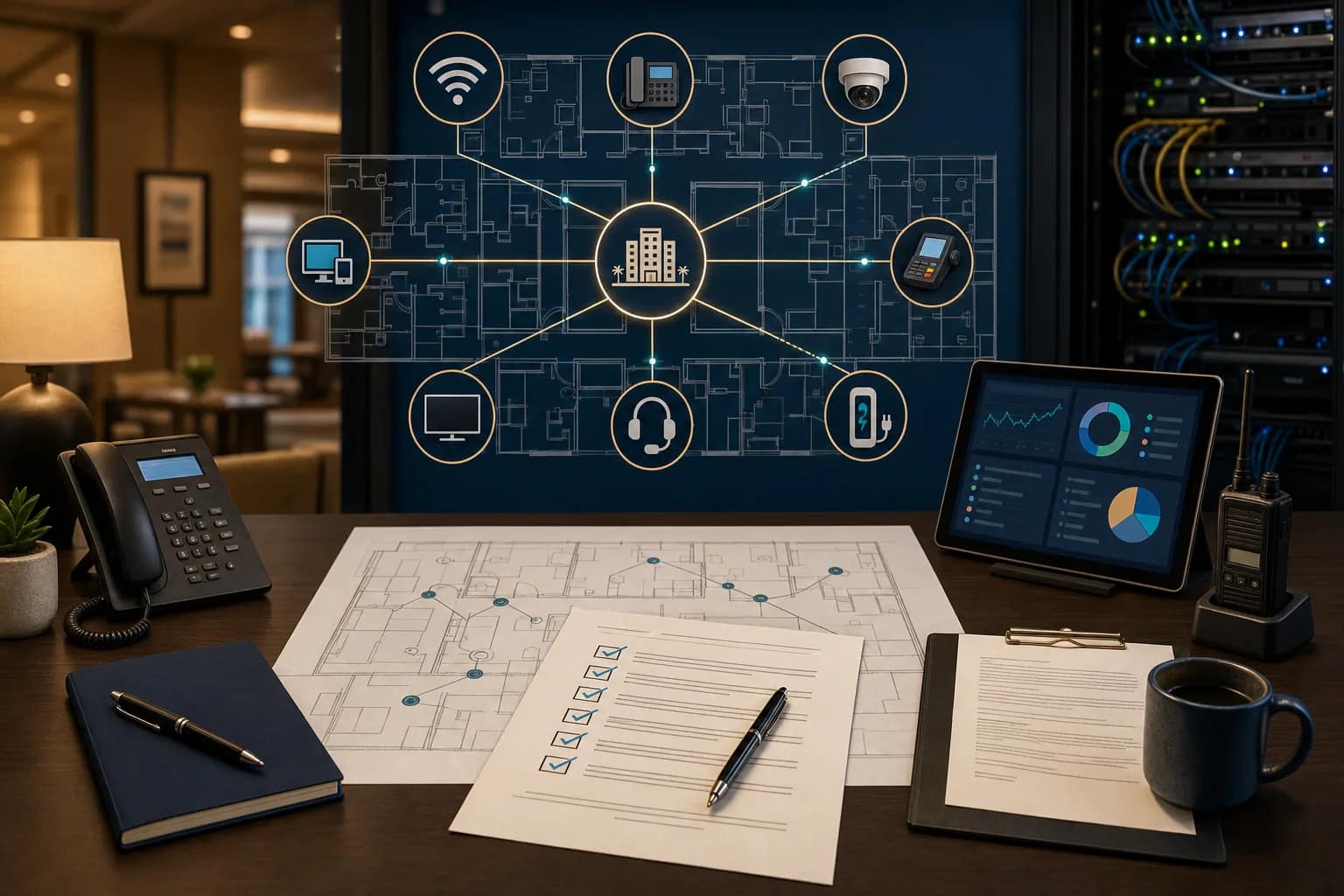
Not the shiny part. Not the demo that looked great at HITEC. The part that decides whether the new system works at the property level: the Wi-Fi, the circuits, the network closets, the phones, the cameras, the TV system, the PMS/POS dependencies, the cabling, the documentation, and the support path when something breaks.
Hotel technology problems rarely show up as one clean problem. They show up as a guest who cannot stay on a video call, a front desk team that cannot tell whether the PMS issue is internet, software, or support, a camera that is pointed at the wrong angle, a phone line that nobody wants to own, or a vendor who says the problem is outside their scope.
That is why a midyear hotel technology health check is not just an IT exercise. It is an ownership exercise.
Why midyear is the right time to look
By late June, most hotels have enough real operating data to see patterns. Guest complaints are not theoretical anymore. The property team knows which closets are hard to trace, which vendors are slow to respond, which systems create the most friction, and which planned projects are coming before year-end.
It is also the point where many ownership groups start thinking about budget season, renovation timing, brand standards, PIP work, technology refreshes, and next-year capital planning. Waiting until a brand inspection, renovation deadline, guest complaint, or vendor cutover forces the issue usually makes the fix more expensive.
Current industry research points in the same direction. HotelTechReport’s 2026 guest technology coverage highlights how much guest experience now depends on digital basics like Wi-Fi, mobile access, reviews, AI-assisted service, and PMS-connected guest journeys. Spectrum Enterprise’s 2026 hospitality technology trends also frames reliable Wi-Fi and network infrastructure as the base layer for AI, IoT, in-room entertainment, and streamlined workflows.
The trend is easy to summarize: hotels are adding more connected systems, but many properties have not stopped to verify whether the foundation can carry them.
1. Start with Wi-Fi, because guests already do
Wi-Fi is usually the first warning light because guests feel it immediately. They may not know whether the issue is coverage, bandwidth, captive portal behavior, ISP performance, VLAN design, old access points, poor placement, or peak-occupancy congestion. They just know the call dropped, the video buffered, the login page would not load, or the room did not feel worth the rate.
This is why “the Wi-Fi is working” is not a complete health check. A property should be able to answer better questions:
- Are complaints concentrated in specific rooms, floors, meeting areas, or public spaces?
- Can staff test from the guest’s point of view, not only from a dashboard?
- Do group check-ins, conferences, or high-occupancy nights change the experience?
- Do phones, smart TVs, guest casting, staff devices, and PMS/POS traffic share pieces of the same infrastructure?
- Who sees the first alert when performance starts to degrade?
A useful Wi-Fi review is not only about speed. It is about whether the property can find the weak spot before it becomes a review, a refund request, or a front-desk escalation.
2. Walk the network closets before you buy another system
A clean technology stack still has to land somewhere physical. That means MDFs, IDFs, racks, patch panels, labels, power, UPS capacity, cooling, cable paths, fiber handoffs, and enough space for the next vendor to work without guessing.
On real hotel projects, the difference between a smooth vendor handoff and a painful one is often documentation. Can the next technician tell which port feeds which room, camera, access point, POS terminal, TV location, phone, or back-office device? Are the as-builts current? Are cable test results saved? Are labels readable? Are old abandoned circuits or mystery devices still sitting in the rack?
The Network Installers’ hospitality networking guide makes the same point from another angle: hotel networking is broader than guest Wi-Fi. PMS, POS terminals, IP cameras, digital keys, smart controls, staff communications, VoIP phones, and streaming all rely on the same physical network and cabling foundation.
That is the owner’s risk. If the closet is a mystery, every future project starts with a scavenger hunt.
3. Review phones and life-safety lines before they become urgent
Phone systems are easy to ignore because most guests use mobile phones. But hotels still depend on phones for front desk operations, guest rooms, emergency calling, elevators, fire alarms, back-office workflows, and brand expectations.
The health-check question is not “do we still have phones?” It is:
- Which lines are still active, which are billed, and which are actually needed?
- Are elevator, fire alarm, and emergency lines documented separately from general voice service?
- Is the PBX supported, or is the property running on a system nobody wants to touch?
- If the hotel is moving to SIP or a cloud phone system, who owns cutover timing and backup planning?
- Does the team know who to call when voice, internet, or carrier support overlap?
JET sees this often: phone service looks like a cost center until it is connected to life safety, brand compliance, or a cutover that touches internet access and vendor support at the same time.
4. Check cameras and security coverage like an operator, not a spec sheet
Cameras are another system that can appear fine until somebody actually needs footage. A midyear review should look at coverage, retention, access, power, cabling, recording health, support ownership, and whether the people who need footage can retrieve it without waiting on the wrong vendor.
Do not only ask whether cameras exist. Ask whether the property can answer these questions quickly:
- Which areas are covered, and which areas are assumed to be covered?
- Are camera names useful, or are they generic labels nobody recognizes?
- Is recording healthy across the system?
- Who has login access, and what happens if that person leaves?
- Are cameras sharing infrastructure with guest Wi-Fi, POS, phones, or other critical systems?
Security technology is not only a device list. It is an operational response path.
5. Map PMS, POS, payments, and TV dependencies
Hotel technology stacks are getting more connected. That is good when the systems are designed and supported correctly. It is painful when the property does not know what depends on what.
The Percentage’s 2026 hotel tech stack guide calls the PMS the anchor point of the hotel stack and points out that payments, POS, accounting, and guest systems need clean integration. HotelTechReport’s 2026 statistics also show why reliability and cybersecurity matter in PMS decisions, not just features.
For an owner, this means a health check should include the dependencies around:
- PMS and cloud access
- POS and payment terminals
- Guestroom entertainment, FTG TV, IPTV, and casting
- Digital keys or connected-room platforms
- Back-office systems, reporting, and accounting exports
- Staff communication and safety tools
If a system needs the network, an integration, a vendor portal, a carrier circuit, or a specific support contact to function, it belongs on the health-check map.
6. Ask who owns the outcome when systems overlap
This may be the most important question in the whole review.
When Wi-Fi, PMS, POS, phones, TV, cameras, internet circuits, and low-voltage contractors overlap, a hotel does not need five vendors explaining why it is not their issue. It needs one clear path to diagnosis.
Before the next budget cycle or renovation, ownership should know:
- Who owns the circuit?
- Who owns the managed router or firewall?
- Who owns access points and switches?
- Who owns guest Wi-Fi support?
- Who owns PMS/POS integration support?
- Who owns phones, elevator/fire lines, and emergency calling?
- Who owns camera support?
- Who owns documentation after the project closes?
There is no such thing as a good vendor on paper. There is only a well-managed outcome at the property.
A 15-minute midyear health-check checklist
If you only have 15 minutes this week, start here:
- Pull the last 30-60 days of guest complaints. Look for Wi-Fi, TV, phone, payment, key, or app-related patterns.
- Walk the MDF and one IDF. Take photos. Look for labels, abandoned gear, heat, messy patching, missing UPS coverage, and mystery devices.
- Ask the front desk what they work around. Staff usually know which technology problem is becoming normal.
- Review vendor contacts. Make sure every critical system has a current support path, account number, escalation contact, and contract owner.
- Check phones and life-safety lines. Confirm active numbers, billing, purpose, and support ownership.
- Spot-check camera retrieval. Make sure the team can find footage, not just see live video.
- Map upcoming projects. Renovations, TV changes, PBX changes, PMS/POS changes, Wi-Fi refreshes, and circuit changes should not be planned separately.
This will not replace a full site review, but it will tell you where to look next.
What JET looks for in a property walkthrough
JET Hotel Solutions helps hotel ownership teams look across the technology stack instead of treating every system as a separate vendor lane. A practical walkthrough can include network access, guest Wi-Fi, structured cabling, PBX/phones, TV/FTG/IPTV, cameras/security, staff safety tools, EV charging dependencies, vendor support paths, and documentation.
The goal is not to create a 90-page report nobody reads. The goal is to help ownership know what is under control, what is risky, what should be budgeted, and what needs to be fixed before a renovation, brand inspection, vendor change, or guest complaint makes the decision for you.
If you are planning a refresh, changing vendors, reviewing budget, or getting ready for brand-standard work, now is the right time to look.
Ask JET Hotel Solutions for a midyear hotel technology health-check worksheet or a property walkthrough before the next project starts.
Related reading:
- Hotel Vendor Coordination: The IT, POS, and Security Checklist Before a Cutover
- 5 Things Hotels Miss Before a Network Cutover
- Labels Save Hours: The Hotel Network Documentation Checklist
- Before Final Payment: The Hotel Technology Handoff Checklist
Sources and further reading: HotelTechReport 2026 State of Hotel Guest Tech, HotelTechReport hospitality statistics, Spectrum Enterprise 2026 hospitality technology trends, hospitality networking guide, hotel tech stack guide, HospitalityNet on AI security, and Nomadix hotel infrastructure security checklist.