
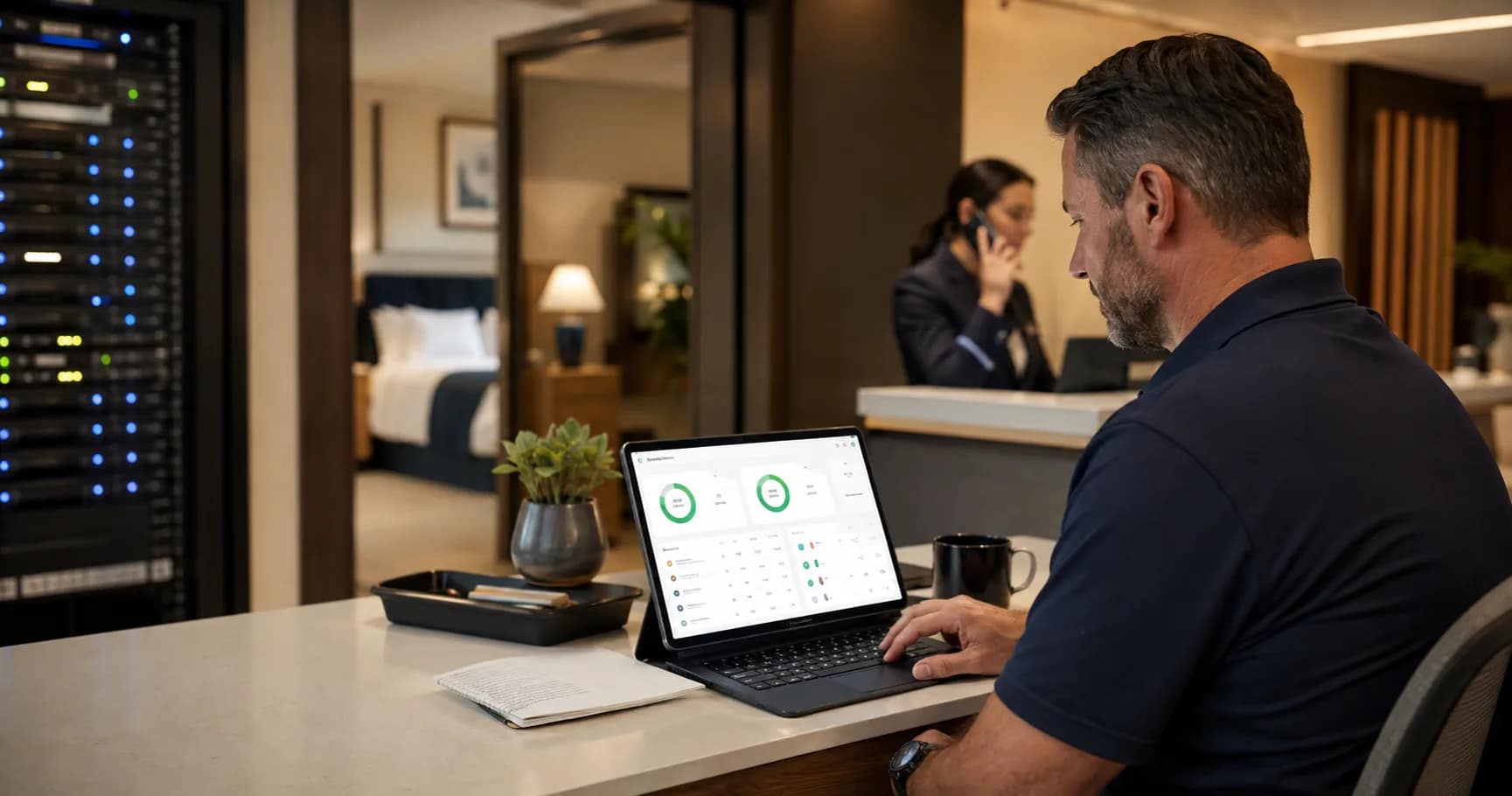
A hotel technology monitoring checklist should do more than confirm that a dashboard is green. Owners need to know which alerts matter, who receives them, what evidence gets captured, when vendors are escalated, and how the property confirms that the guest-facing issue is actually closed. That is the difference between passive monitoring and a support plan that protects the operation.
Use this checklist before accepting a managed network, guest Wi-Fi refresh, phone system, camera platform, FTG or IPTV upgrade, or back-of-house support scope. The goal is simple: turn technical status into accountable action before the front desk, engineering team, or guests have to improvise.
Start with the systems that affect guests first
For properties where Wi-Fi is the recurring complaint trigger, use this hotel guest WiFi systems checklist to separate coverage, login, monitoring, and ownership issues before vendors are escalated.
Not every alert deserves the same urgency. A down guest Wi-Fi gateway, offline phone trunk, failed camera recorder, lobby AP issue, or in-room TV service interruption has a different operational impact than a low-priority advisory on a device that is still passing traffic.
For each monitored system, define the guest or staff impact in plain language. Owners should ask: does this alert affect check-in, emergency calling, internet access, staff safety, payment handling, entertainment, security review, or manager visibility? If the answer is yes, the monitoring plan needs a response path, not just an email notification.
This is where the owner-side planning work should connect back to the property’s broader hotel network infrastructure. Monitoring is only useful when it maps to the actual circuits, switches, access points, VLANs, guest systems, and vendor responsibilities on the site.
Assign alert ownership before go-live
The most common failure in hotel support is not a missing dashboard. It is unclear ownership after the alert appears. A managed router may show circuit status. A cloud dashboard may show AP or switch health. A PBX provider may see SIP registration. A camera vendor may see device status. The hotel still needs one accountable path that decides who acts first.
JET’s support model is built around that operating reality: visibility into networks and circuits, remote monitoring for back-of-house devices, a one-call helpdesk path, triage, diagnosis, remote troubleshooting, vendor escalation, and field dispatch when needed. Owners should make that chain explicit in the scope before they sign off.
A practical ownership matrix should answer five questions:
- Who receives the first alert?
- Who decides whether it is guest-impacting?
- Who contacts the vendor, carrier, or installer?
- Who updates hotel operations while the issue is active?
- Who confirms closure with evidence?
Define evidence, not just notification
A support escalation is much stronger when it includes evidence: circuit status, device uptime, affected areas, client counts, packet loss, screenshots, ticket numbers, timestamps, and the last known configuration change. Without that record, each vendor can interpret the problem differently and the hotel loses time.
The National Institute of Standards and Technology describes continuous monitoring as a way to maintain ongoing awareness of system status and risk. For hotels, that principle should become an operating discipline: capture enough evidence to know what changed, who was affected, and which party must act next. The full NIST reference is available in SP 800-137, Information Security Continuous Monitoring.
Dashboard tools can help. Cisco Meraki’s Health Overview, for example, centralizes health signals across organizations, networks, clients, appliances, switches, cameras, and sensors. That kind of visibility is valuable, but the owner still needs an escalation plan around it. A dashboard can surface the symptom; the support process has to resolve the operational problem. See Cisco’s Meraki Health Overview documentation for an example of how platform health views are organized.
Connect monitoring to vendor escalation
Convert that escalation map into a hotel after-hours IT support plan so the property knows who acts when normal coverage is thin.
Hotels often have several vendors touching the same guest experience: ISP, MSP, Wi-Fi hardware, PBX, PMS, TV, low-voltage contractor, security integrator, and sometimes brand technology teams. If monitoring does not name the escalation boundary, the property can burn hours determining whether the problem belongs to the carrier, switch, AP, controller, cabling, firewall, endpoint, or application.
Before acceptance, require a vendor escalation map with contact paths, after-hours coverage, evidence requirements, SLA expectations, and ticket ownership. The map should also define what gets escalated immediately versus what can wait for normal business hours.
For owners reviewing cost and approval gates, this belongs beside the hotel technology budget refresh. A lower monthly support number can look attractive until the hotel discovers that monitoring, escalation, dispatch, and vendor management are not actually included.
Include the front desk and engineering team
A documented hotel WiFi support process gives the front desk and engineering team the same facts before vendors are asked to diagnose the issue.
Monitoring is usually designed by technology people, but the first pain often lands at the front desk. Guests call about Wi-Fi, TV, room phones, door locks, or noise from a repair visit long before an owner reads the weekly report. A good support checklist includes the property team in the communication loop.
Decide which alerts require a short operational note: what is affected, what guests may report, what staff should say, whether there is a workaround, and when the next update is expected. Engineering should also know what not to reset, unplug, or bypass before remote troubleshooting is complete.
This is especially important during openings, renovations, cutovers, and ownership transitions. If the property is changing vendors or rebuilding systems, align the monitoring plan with the broader JET implementation path described in how JET works: scope the environment, coordinate vendors, manage implementation details, and keep support ownership visible.
Review the monitoring plan on a cadence
Add a weekend technology incident log to the review so recurring Wi-Fi, phone, TV, and vendor issues do not stay anecdotal.
A monitoring checklist is not finished on launch day. Carriers change, devices get replaced, staff turns over, firmware updates move settings, vendors adjust portals, and hotel priorities shift with occupancy, events, and renovation phases. Owners should set a simple review cadence so the support plan stays current.
At minimum, review the following items quarterly or after any major technology change:
- Current systems, circuits, device counts, and vendor contacts
- Open tickets, repeat issues, and unresolved ownership gaps
- Alert thresholds that create noise or miss guest-impacting problems
- Escalation paths for after-hours and weekend incidents
- Dispatch rules and documentation requirements
- Front-desk and engineering communication templates
The owner’s question is not “do we have monitoring?” The better question is “when the next alert appears, will the right person know what to do?”
Owner acceptance checklist
Before accepting the support scope, confirm these items in writing:
- Every guest-impacting system has an alert owner.
- Critical alerts have severity definitions and response expectations.
- Evidence requirements are documented before vendor escalation.
- Carrier, MSP, hardware, software, and installer contacts are current.
- The front desk knows how active incidents will be communicated.
- Engineering knows what information to capture before changing equipment.
- Recurring review dates are assigned to an accountable owner.
If any of those answers are unclear, the monitoring plan is not ready for hotel operations.
Request a monitoring and support scope review before your next hotel technology handoff. JET Hotel Solutions can help connect alerts, vendors, documentation, escalation, and field support into a plan your property can actually use.